AI 인플루언서 프롬프트
AI 인플루언서 프롬프트란 이미지 모델이 캐릭터로 바꿔 주는, 글로 쓴 설명입니다. 핵심은 인물의 기본 설명을 하나 정해 두고 모든 장면에서 한 글자도 바꾸지 않고 재사용하는 것입니다. 카페가 체육관으로 바뀌어도 얼굴은 그대로입니다.
이 페이지에 그 체계를 정리했습니다. 5개 요소로 이뤄진 공식, 기본 캐릭터 시트, 이를 바탕으로 만든 사진 세트 프롬프트 12개, 영상 프롬프트 4개입니다. 모두 이 페이지를 위해 작성했습니다. Nano Banana, Midjourney, ChatGPT, Higgsfield에 붙여 넣어 쓰면 되며, 툴별 조정 사항은 아래에 있습니다.
| 요소 | 작성 내용 | 고정하는 것 |
|---|---|---|
| 인물 | 나이, 얼굴, 헤어, 피부, 체형, 특징 하나 | 항상 똑같은 인물 |
| 의상 | 의류, 색상, 소재 | 니치에 맞는 옷장 |
| 배경 | 장소, 시간대, 소품 | 게시물마다 바뀌는 장면 |
| 카메라 | 샷 종류, 렌즈, 앵글, 휴대폰 또는 카메라 | 셀카처럼 보일지 촬영처럼 보일지 |
| 조명 | 광원, 방향, 색 | 분위기, 그리고 조명을 받은 듯한 피부 |
옆으로 스크롤하면 3개 열을 모두 볼 수 있습니다.

AI 인플루언서 프롬프트 공식, 요소별 설명
다섯 요소를 이 순서대로 완전한 문장으로 씁니다. Google이 이미지 모델용으로 내놓은 조언은 단호합니다. “키워드만 나열하지 말고 장면을 묘사하라”(Google Developers Blog, 2025년 8월 28일). “여성, 25, 금발, 해변, 8k” 같은 태그 목록은 그 사이의 모든 것을 모델의 추측에 맡깁니다.
Higgsfield 도움말 문서에는 Popcorn 모델용으로 이 구조와 비슷한 형식이 나와 있으며, 참조 이미지는 번호로 지정한다는 설명이 덧붙어 있습니다. 어떤 피사체든 실사 같은 정지 이미지를 만들려면 실사 AI 이미지 프롬프트에서 8단계 순서와 바로 붙여넣을 수 있는 카메라 룩을 볼 수 있습니다.
How do references work?
Popcorn accepts up to 4 image references (portraits, props, locations) and merges them into one sequence: address each by its number in the prompt. For example: “Man from image one in the setting of image three, wearing the outfit from image four.”
Structure the prompt like a film cue: Subject, Setting, Style, Action, Atmosphere.
인물은 절대 바꾸지 않는 요소입니다. 캐릭터의 나이, 얼굴형, 눈 색, 헤어, 피부톤, 체형을 고정합니다. 작은 흉터나 벌어진 앞니처럼 눈에 띄는 특징도 하나 더합니다. 이 특징이 모든 이미지에서 모델이 붙잡을 고정점이 됩니다.
의상과 배경은 게시물마다 바뀝니다. 구체적으로 씁니다. “캐주얼한 옷”보다 “녹슨 색 린넨 셔츠”가 모델에 더 많은 단서를 줍니다.
카메라와 조명이 휴대폰 사진처럼 보일지 스튜디오 촬영처럼 보일지를 결정합니다. Google의 템플릿은 샷 종류, 조명 설명, “카메라/렌즈 정보”를 요구하며, 흐린 배경의 예로 85mm 인물용 렌즈를 듭니다. 인스타그램 피드용이라면 아래 프롬프트 12개 중 8개처럼 “휴대폰으로 촬영”이라고 씁니다.
기본 캐릭터 시트 프롬프트
레퍼런스 시트부터 만듭니다. 같은 인물을 여러 각도에서 보여 주는 이미지 한 장입니다. 이후 모든 프롬프트에서 레퍼런스 이미지로 재사용합니다. 여기서 예시 캐릭터는 27세 러닝 코치 Maya입니다. 세부 정보는 자신의 캐릭터에 맞게 바꾸고 구조는 그대로 유지합니다. AI Video School의 튜토리얼은 Nano Banana로 이런 시트를 만들고 프롬프트를 공유합니다.
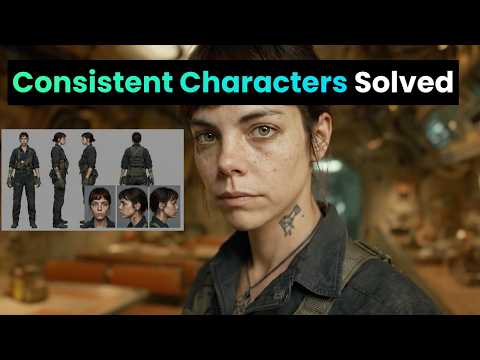
A character reference sheet of one woman, shown four times on a plain light grey background: front view, three-quarter view, side profile and full body standing. She is 27, with an oval face, warm olive skin, dark brown eyes, thick straight eyebrows, a small beauty mark under her left eye and shoulder-length dark brown wavy hair with a centre parting. Athletic, slim build, 170 cm tall. She wears a plain white fitted T-shirt and black running leggings. Neutral expression, mouth closed. Even soft studio light from the front, no shadows on the background. Photographed with a 50mm lens at eye level, sharp focus, natural skin texture with visible pores. Same face, hair and proportions in all four views.
“She is 27”부터 “centre parting”까지의 설명을 텍스트 블록으로 저장합니다. 이 블록이 인물 설명이며, 아래 모든 프롬프트에 그대로 들어갑니다. 이후 프롬프트에서 [SUBJECT]는 이 블록을 뜻합니다.
인스타그램용 사진 세트 프롬프트 12개
아래 프롬프트는 모두 인물 블록을 유지하고 의상, 배경, 카메라, 조명만 바꿉니다. 툴이 허용하면 캐릭터 시트를 레퍼런스 이미지로 첨부합니다. 한 번에 한 요소만 바꾸면 무엇이 결과를 바꿨는지 알 수 있습니다.
카페의 아침
A candid phone photo of [SUBJECT], sitting at a small marble table by the window of a busy neighbourhood café, holding a flat white with both hands and laughing at something off camera. She wears an oversized cream knit jumper. Morning sun from the window on her left, warm and soft. Shot on a phone at table height, slight grain, 4:5 vertical.
헬스장 운동
A photo of [SUBJECT], mid-set on a cable machine in a concrete-walled gym, focused expression, a light sheen of sweat on her forehead. She wears a black sports bra and grey high-waisted leggings, hair tied in a low ponytail. Overhead fluorescent light mixed with daylight from a high window. Shot by a friend on a phone from three metres away, 4:5 vertical.
거울 셀카
A mirror selfie of [SUBJECT] in a bright bedroom, holding a phone in a clear case in front of her chest, the phone covering part of her chin. She wears high-waisted light blue jeans and a white cropped tank top. Daylight from a window behind the camera. The mirror has a thin wooden frame, an unmade bed is visible behind her. 9:16 vertical, phone camera look.
제품 들기
A close-up photo of [SUBJECT] holding a small amber glass serum bottle at chin height, label facing the camera, smiling with her mouth closed. She wears a white towelling robe. Soft bathroom light from a frosted window on her right, white tiles behind her. Shot on a phone held at arm's length, the bottle in sharp focus, 4:5 vertical.
여행, 구시가지 골목
A full-length photo of [SUBJECT] walking down a narrow cobbled street lined with pastel houses, looking back over her shoulder at the camera. She wears a rust-coloured linen shirt, white wide-leg trousers and flat leather sandals, a canvas tote on one shoulder. Late afternoon golden light from behind her, long shadows. Shot on a 35mm lens from street level, 4:5 vertical.
해변 러닝
A photo of [SUBJECT] running along wet sand at the edge of the sea, mid-stride, arms pumping, relaxed face. She wears a teal running vest, black shorts and white running shoes. Early morning, low sun to her right, light mist over the water. Shot from the side with a 70mm lens, slight motion blur on the waves, 4:5 vertical.
주방, 밀프렙
A photo of [SUBJECT] standing at a wooden kitchen counter, chopping vegetables on a board, glass meal-prep boxes lined up beside her. She wears a sage green T-shirt and an apron. Daylight from a window above the sink, warm under-cabinet lights. Shot from across the counter at chest height on a phone, 4:5 vertical.
옥상 골든아워
A portrait of [SUBJECT] leaning on a rooftop railing at sunset, city blocks soft in the background, wind moving her hair. She wears a black slip dress and small gold hoop earrings. Low warm sun behind her as a rim light, her face lit by the bounce from a pale wall. Shot with an 85mm lens, shallow depth of field, 4:5 vertical.
책상, 재택근무
A photo of [SUBJECT] sitting cross-legged on a desk chair, laptop open, writing in a paper notebook, a plant and a mug on the desk. She wears a grey hoodie and her hair in a loose bun with a pencil through it. Overcast daylight from a window to her left. Shot from the side at desk height on a phone, 4:5 vertical.
밤 외출
A flash photo of [SUBJECT] at a small bar, sitting on a stool and raising a glass towards the camera, a friend's shoulder blurred at the edge of the frame. She wears a satin emerald top and red lipstick. Direct on-camera flash, dark warm background with bokeh from string lights. Phone camera with flash, 4:5 vertical.
공원 스트레칭
A photo of [SUBJECT] stretching her hamstring on a park bench after a run, smiling at the camera, earbuds in. She wears a lavender long-sleeve running top and black leggings. Bright overcast morning, soft even light, autumn trees behind her. Shot at eye level from two metres with a 50mm lens, 4:5 vertical.
언박싱, 탑다운
A top-down photo of [SUBJECT]'s hands and lap as she opens a matte black shoebox on a light wooden floor, tissue paper folded back, new trainers inside. Her face is visible at the top of the frame, looking down and smiling. She wears a cream sweatshirt. Daylight from a nearby window. Shot from above on a phone, 4:5 vertical.
AI 인플루언서 영상 프롬프트
영상 툴은 마음에 드는 캐릭터 스틸컷에서 출발합니다. 사진을 업로드하고, 프롬프트에는 움직이는 부분만 적습니다. Rose Creates AI의 튜토리얼이 Nano Banana Pro 스틸컷에서 Seedance 2.0 클립까지 이 과정을 보여 줍니다.

Kling은 이미지 투 비디오 공식을 피사체와 움직임의 조합으로 제시하며, 클립 길이는 5초 또는 10초입니다(Kling 가이드, 2025년 11월 24일). 이미지와 동떨어진 설명을 쓰면 카메라 컷이 생길 수 있다고도 경고합니다. 그래서 프롬프트에서는 얼굴을 다시 묘사하지 않습니다.
카페 스틸컷을 5초 클립으로
The woman lifts the cup, takes a sip, then lowers it and smiles towards the window. Steam rises from the cup. The camera stays still at table height. Natural, unhurried movement.
거울 셀카에서 코디 체크 영상으로
The woman turns slowly to her left to show the side of her outfit, then back to face the mirror, keeping the phone in front of her chest. Her hair moves with the turn. The camera does not move.
스토리용 제품 클립
The woman raises the serum bottle closer to the camera, tilts it so the label catches the light, then lowers it and nods. Slow push-in on her face and the bottle. No cut.
말하는 클립, 10초
The woman looks straight into the camera and speaks in a friendly, relaxed tone, small head movements and natural blinking, as if recording a story on her phone. The camera is handheld and moves very slightly. Background stays the same.
직접 쓴 대본과 목소리로 말하는 클립을 만들려면, 립싱크 툴이 오디오에 맞춰 입 모양을 만들어 줍니다. 이 방법은 Higgsfield 립싱크에서, 얼굴부터 게시 영상까지 전체 경로는 AI 인플루언서 허브에서 볼 수 있습니다.
Midjourney, ChatGPT, Higgsfield, Nano Banana 프롬프트 노트
위 프롬프트는 평범한 문장으로 쓰여 있어 어떤 툴에든 붙여넣을 수 있습니다. 툴마다 달라지는 것은 얼굴을 유지하는 방식입니다.
 Midjourney AI 인플루언서 프롬프트
Midjourney는 2026년 7월 24일 V8.2 모델을 출시했습니다(Midjourney). 이전 방식인 Omni Reference 파라미터 --oref(가중치는 --ow)는 버전 7에서만 작동합니다. Midjourney 도움말에는 가중치 범위가 1~1,000(기본값 100)이며 400 미만으로 쓰길 권한다고 나와 있습니다. Omni Reference 이미지는 일반 V7 이미지보다 GPU 시간이 두 배 듭니다(Omni Reference).
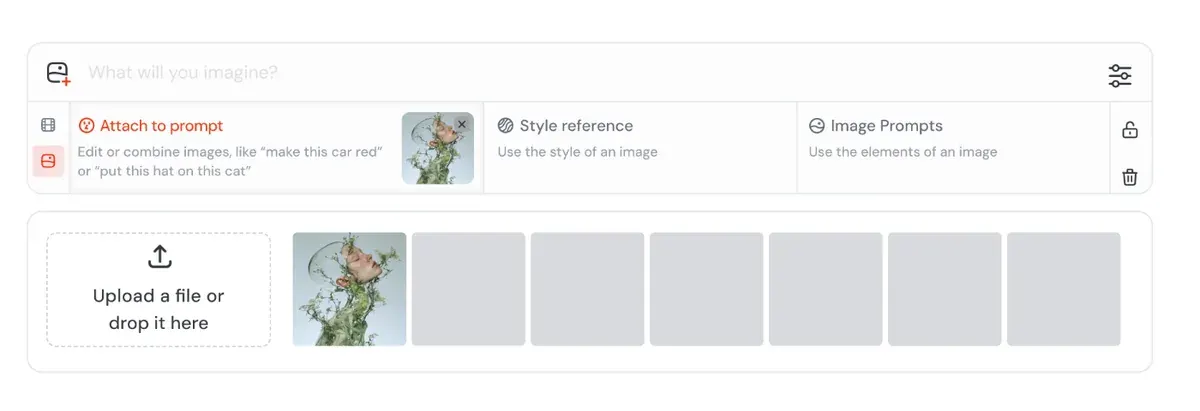
V8.2의 Edit Model은 이미지 레퍼런스를 한 번에 최대 4장까지 받으며 “omni-reference를 대체”합니다. Midjourney는 2026년 8월 27일부터 “모두가 테스트할 수 있게” 열었습니다(Midjourney 업데이트). 캐릭터 시트를 여기에 첨부하거나 Discord에서 --edit를 사용하면 됩니다.
사용자들은 Midjourney의 스타일화된 시네마틱 룩을 장점으로 꼽습니다(47건 중 13건: r/midjourney, G2). 한 세트에서 같은 얼굴을 유지하는 데는 Nano Banana와 GPT Image에 못 미친다는 평가입니다(47건 중 5건: r/midjourney, r/midjourney).
Midjourney에는 무료 플랜이 없습니다. 플랜은 월 10달러부터 시작합니다.
 ChatGPT AI 인플루언서 프롬프트
ChatGPT는 대화형으로 작업합니다. 캐릭터 시트를 올리고 포토 세트 프롬프트를 붙여넣은 뒤, 수정할 내용을 쉬운 말로 요청하면 됩니다. OpenAI 도움말에는 한 영역만 편집하는 선택 도구와 화면비 선택기가 소개되어 있습니다. 프롬프트에 영역을 명시하면 수정이 그 부분에만 적용되는 데 도움이 된다고도 설명합니다(Images in ChatGPT).
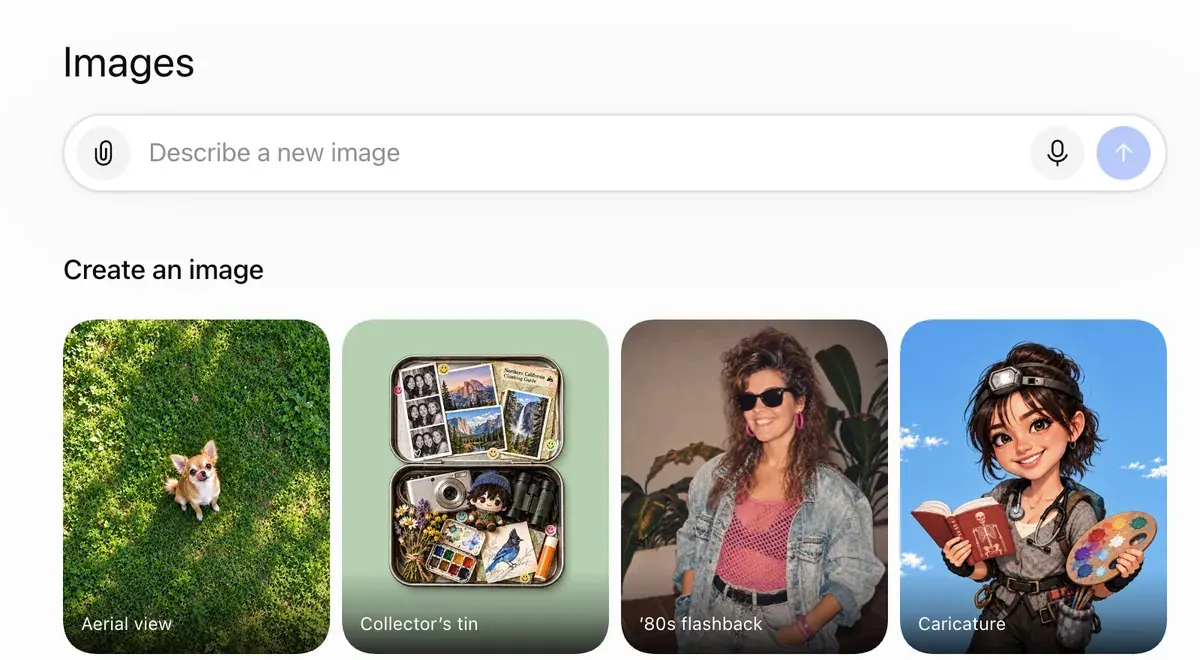
수정을 요청할 때마다 그대로 유지할 부분을 적어 두는 것이 좋습니다. 예를 들면 “얼굴, 머리, 점은 그대로 두고 스웨터만 바꿔 주세요”와 같은 식입니다. 사용자들은 그대로여야 할 부분까지 수정되는 문제를 보고합니다(34건 중 7건, Trustpilot 포함).
또 다른 34건 중 6건은 프롬프트를 신경 써서 쓰지 않으면 인물이 AI로 만든 티가 난다고 말합니다(YouTube, r/FacebookAds). 공식에 카메라와 조명 항목이 들어 있는 것도 이 때문입니다.
ChatGPT에 프롬프트 작성을 맡길 수도 있습니다. 공식 표를 붙여넣고, 피사체 블록은 그대로 둔 채 같은 다섯 항목 구조로 새 장면 열 개를 요청하면 됩니다.
 Higgsfield AI 인플루언서 프롬프트
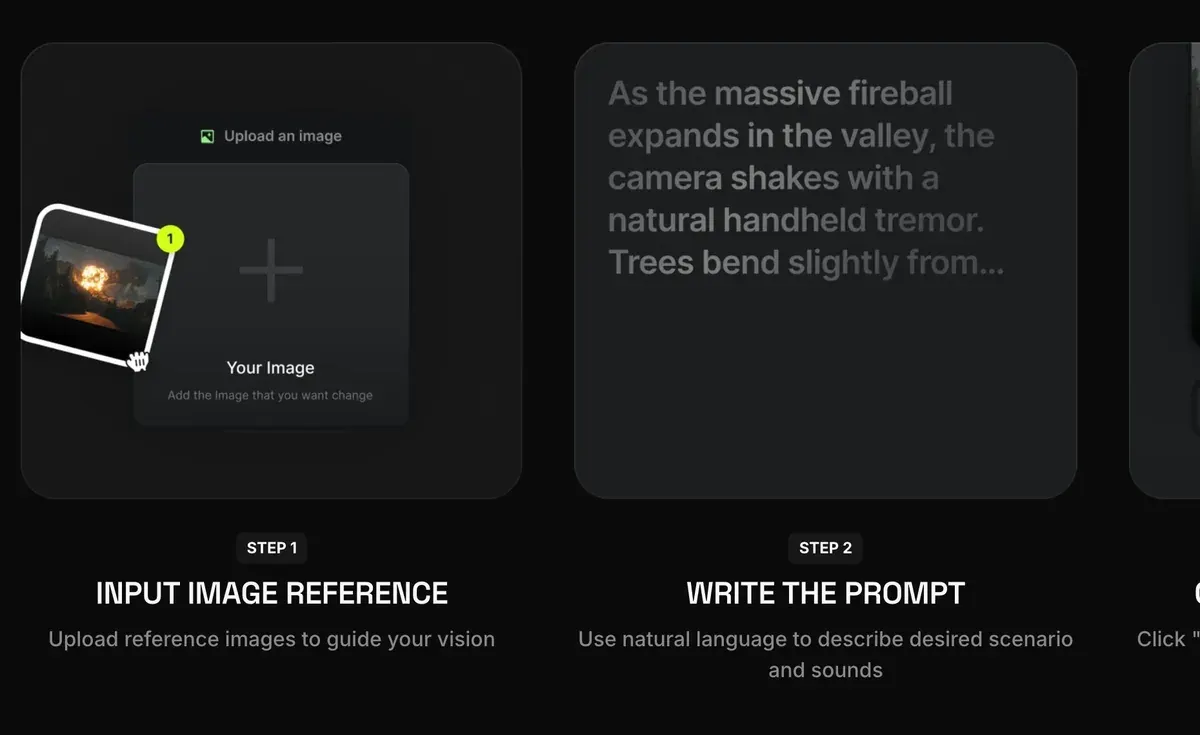
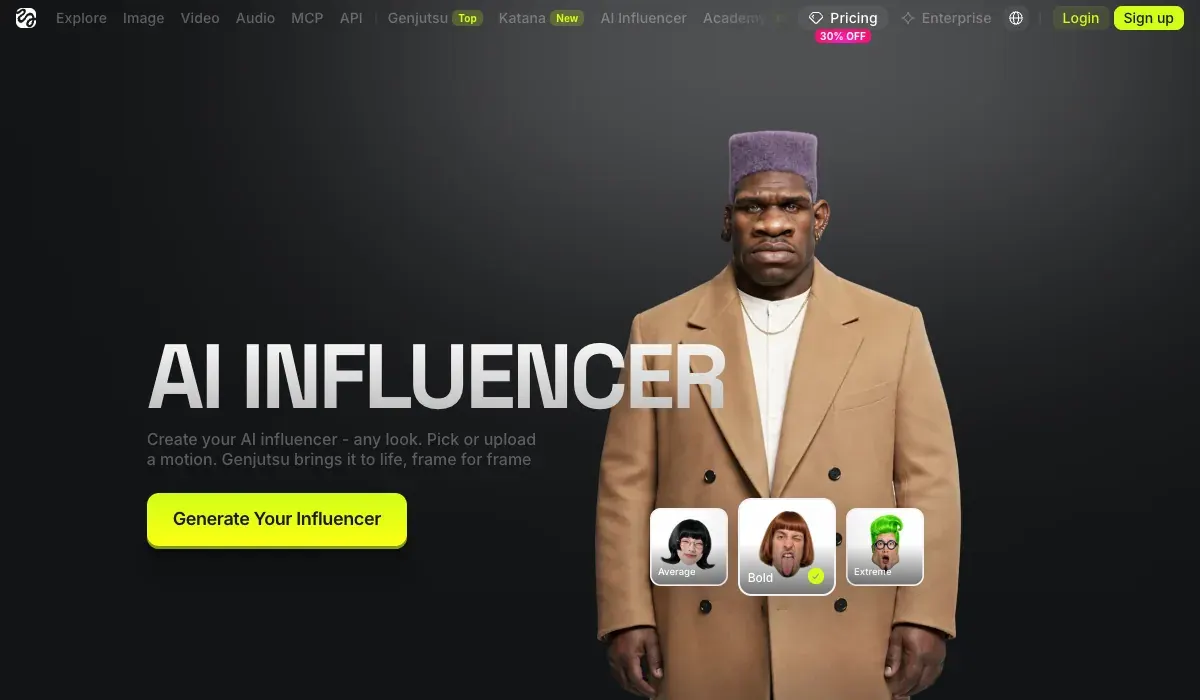
Higgsfield의 AI Influencer Studio는 얼굴을 묘사하는 프롬프트가 필요 없습니다. 메뉴 설정 19가지로 캐릭터를 만듭니다. 한 번 실행하면 클로즈업 인물 사진과 전신 사진이 1.12크레딧에 나옵니다(2026년 10월 3일). 이후 입력하는 텍스트는 짧은 수정 문장뿐이며, 제품 페이지에는 예시로 “give her a buzz cut”이 나옵니다.
How do I use AI Influencer?
AI Influencer is Higgsfield’s visual character builder for virtual personas. Every attribute is configured from menus in the Builder panel, with no prompt writing required, and characters generate at up to 4K. AI Influencer supports human and non-human characters, finished characters are saved to your character library for reuse, and you can turn a character into video or refine it with a text edit right there.
What is AI Influencer? AI Influencer works like a game character creator: you select each attribute from menus. The Builder panel covers the base identity: Character Type, Gender, Ethnicity / Origin Base, Skin Color, Eye Color, Skin Conditions, and Age. Below it, Advanced settings opens three tabs, Face, Body, and Style, with the full attribute set. Reset clears the configuration and starts over.
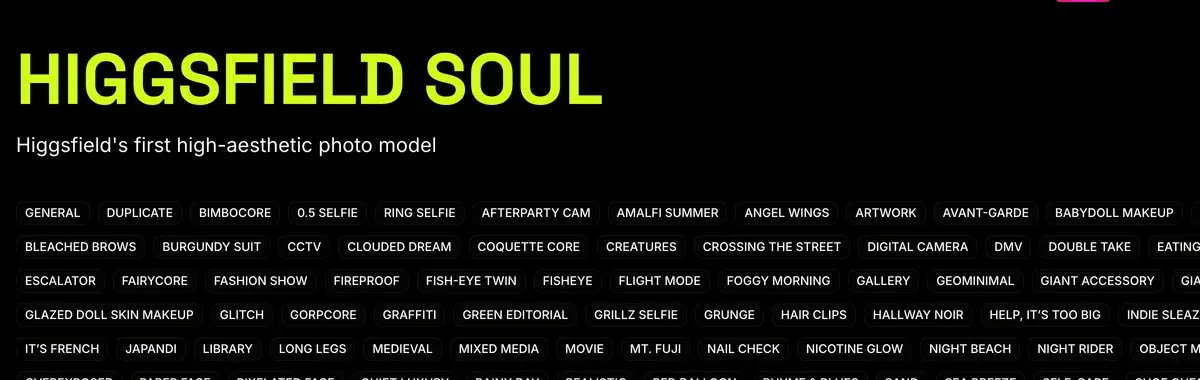
포토 세트 단계에서는 다시 프롬프트를 씁니다. Soul ID는 캐릭터 사진 20장 이상으로 약 3~5분간 학습합니다. 학습이 끝나면 Character 탭에서 선택하기만 하면 되고, 얼굴을 따로 묘사할 필요가 없습니다(Soul ID 게시글, 2026년 6월 15일).
What is Soul ID?
Train once and reuse the identity.
A trained Soul ID works across the Soul family.
Soul ID를 쓸 때는 위 포토 세트 프롬프트에서 [SUBJECT]를 빼면 됩니다. 그 뒤의 내용은 그대로 둡니다.
같은 플랜으로 Nano Banana Pro와 영상 모델도 쓸 수 있습니다. 모션 탭은 3~30초 길이 클립의 움직임을 캐릭터에 1080p로 옮겨 줍니다(제품 페이지). 출시 게시글에는 4~30초로 나와 있습니다. 사용자들은 여러 모델을 로그인 한 번, 잔액 하나로 쓸 수 있는 점을 장점으로 꼽습니다(52건 중 6건: YouTube, YouTube).
Unlimited는 느린 대기열로 처리되어 대기 시간이 20분에서 2시간 넘게까지 걸린다는 보고도 있습니다(52건 중 8건: Trustpilot, Reddit). 플랜은 월 19달러부터 시작합니다.
Higgsfield AI Influencer 사용법에서 화면별 진행 과정을, Higgsfield Soul 가이드에서 학습 방법을 볼 수 있습니다.
 Nano Banana AI 인플루언서 프롬프트
Nano Banana Pro는 한 프롬프트에 이미지를 최대 14장까지 합칠 수 있어(Google, 2025년 11월 20일) 캐릭터 시트 방식에 잘 맞습니다. Higgsfield 도움말에는 레퍼런스에 관한 규칙도 있습니다. 프롬프트에 각 레퍼런스의 역할을 적으라는 것입니다(Higgsfield 도움말).
How do I generate with Nano Banana Pro?
Open higgsfield.ai → Image → Nano Banana Pro.
Choose your input mode: Text-to-Image, Multi-reference, or Image-to-Image.
Write a clear, specific prompt. Describe the subject, setting, lighting, and any specific quantities or text. Be explicit.
Add references if needed (up to 14), and describe the role of each reference in the prompt.
Set the resolution. Start at 1K when iterating, scale to 2K or up to native 4K for final assets.
Generate and iterate. If something is off, change the prompt or the reference, not both at once.
Nano Banana 전용 단계와 프롬프트 10개는 AI 인플루언서용 Nano Banana에서 볼 수 있습니다.
이미지마다 얼굴이 달라질 때
시도할 순서대로 세 가지 해결책입니다.
- 새 채팅을 열고 피사체 블록을 통째로 다시 붙여넣습니다. Google 가이드에 따르면, 수정을 여러 번 거쳐 특징이 흐트러질 때는 상세한 설명과 함께 새 대화를 시작하는 것이 도움이 됩니다.
- 매번 캐릭터 시트를 레퍼런스로 다시 첨부하고, 프롬프트는 한 번에 한 부분만 바꿉니다.
- 얼굴을 학습시킵니다. 사용자들은 Soul ID와 레퍼런스 시트가 컷이 바뀌어도 캐릭터를 일관되게 유지해 준다고 평가합니다(52건 중 5건: YouTube, YouTube). AI 캐릭터 일관성 유지법에서 방법을 비교하고, AI 인플루언서 LoRA에서 직접 학습시키는 방법을 다룹니다.
어떤 툴을 쓰든 공통으로 지켜야 할 규칙이 하나 있습니다. 플랫폼은 캐릭터가 AI임을 표시하도록 요구하며, Google 약관은 “생성형 AI 콘텐츠를 사람이 만든 것으로 타인이 오해하게 만드는 행위”를 금지합니다(Google 서비스 약관). 플랫폼별 규정은 AI 인플루언서는 합법일까?에 정리되어 있습니다.
이 프롬프트는 계정 운영용 이미지와 클립을 만드는 용도입니다. 대본이 있는 광고 영상용 프롬프트는 별개의 작업이며 AI UGC 프롬프트에서 다룹니다.
AI 인플루언서 프롬프트 자주 묻는 질문
좋은 AI 인플루언서 프롬프트의 조건은?
변하지 않는 인물 기본 묘사에, 이미지마다 새로운 장면을 더한 구조입니다. 문구를 고정해야 게시물이 바뀌어도 얼굴이 같게 유지됩니다.
무료 AI 인플루언서 프롬프트 생성기가 있나요?
ChatGPT Free 플랜으로 쓸 수 있습니다. 다섯 항목 공식과 피사체 블록을 주고 같은 형식의 새 장면을 요청하면 됩니다.
AI 인플루언서 이미지를 폰 사진처럼 보이게 하려면?
프롬프트에 광원과 카메라를 명시합니다. 예를 들어 “창가로 들어오는 아침 햇빛”, “휴대폰으로 촬영” 같은 표현입니다. 피부 질감과 모공이 보이도록 요청하고, 포즈는 꾸밈없이 자연스럽게 잡습니다.
Midjourney와 Nano Banana에 같은 프롬프트를 써도 되나요?
네, 문장은 두 툴 모두에 붙여넣을 수 있습니다. 다만 얼굴을 유지하는 방식은 서로 다릅니다. Midjourney V8.2 Edit Model은 테스트 형태로 모두에게 열려 있으며 레퍼런스를 최대 4장까지 받습니다. Nano Banana Pro는 한 프롬프트에 이미지를 최대 14장까지 합칠 수 있습니다.
다음 글, Higgsfield: 프롬프트로 패션 촬영 컷 만들기
출처
- Google Developers Blog: How to prompt Gemini 2.5 Flash Image Generation for the best results, 2025년 8월 28일 게시:
키워드만 나열하지 말고 장면을 묘사할 것
, 샷 유형·조명·카메라·화면비를 담은 포토리얼리스틱 템플릿, 특징이 흐트러질 때는 전체 설명과 함께 새 채팅을 여는 방법. 확인 - Midjourney: Omni Reference, 버전 7에서만 작동. --ow는 1~1,000, 기본값 100, 400 미만 유지 권장. 일반 V7 이미지의 두 배 GPU 시간. 레퍼런스 이미지 1장. 확인
- Midjourney: Version 8.2, 2026년 7월 24일자: V8.2 이미지 모델 출시. 확인
- Midjourney: Edit Model for V8, 2026년 8월 27일자: 누구나 V8.2 Edit Model을 테스트할 수 있음. 이미지 레퍼런스 한 번에 최대 4장, Omni Reference 대체. Discord에서는 --edit. 확인
- OpenAI Help Center: Images in ChatGPT, 변경 내용을 설명해 생성·업로드한 이미지를 편집, 한 영역만 고르는 선택 도구, 화면비 선택기, 전 요금제에서 사용 가능. 확인
- Higgsfield: AI Influencer, 2026년 10월 3일자: 메뉴 설정 19가지, 프롬프트 작성 불필요, 실행당 인물 사진 1장과 전신 사진 1장, 생성당 1.12크레딧, 4~30초 레퍼런스 영상에서 모션 전이, 본인 또는 허락받은 사람의 사진 선택 사용 가능. 확인
- Higgsfield: AI Influencer Studio, 짧은 텍스트 수정(예:
give her a buzz cut
), 3~30초 레퍼런스 클립의 모션, 1080p 출력. 확인 - Higgsfield: Soul ID character consistency, 2026년 6월 15일자: 사진 20장 이상, 학습 약 3~5분, 이후 얼굴 특징을 다시 묘사할 필요 없음. 확인
- Kling AI: Image to video guide, 2025년 11월 24일자: 피사체 + 움직임 공식, 5초 또는 10초 클립, 이미지와 동떨어진 설명은 컷 전환을 일으킬 수 있다는 경고. 확인
- Google: Introducing Nano Banana Pro, 2025년 11월 20일 게시: 한 프롬프트에 이미지 최대 14장 합성, 최대 5명의 닮은 얼굴 유지. 확인
- Higgsfield 도움말: How do I use Nano Banana?, Nano Banana Pro는 레퍼런스 최대 14장, 프롬프트에 각 레퍼런스의 역할 설명. 확인
- Higgsfield 도움말: How do I use Popcorn?, 프롬프트를 Subject, Setting, Style, Action, Atmosphere 순서로 구성, 각 레퍼런스는 번호로 지칭. 확인
- Google: Google Terms of Service, 생성형 AI 콘텐츠를 사람이 만든 것으로 타인이 오해하게 만드는 행위 금지. 확인
- Reddit, Trustpilot, G2 and YouTube: Midjourney, ChatGPT, Higgsfield, Nano Banana 사용자 리뷰, 공개 출처 171건 종합: Midjourney 47건, ChatGPT 34건, Higgsfield 52건, Nano Banana 38건. 확인

관련 페이지
-
 가이드 Higgsfield Soul 2.0, 무엇일까?
Higgsfield Soul 2.0 모델과 Soul ID가 하는 일, 일관된 캐릭터를 학습시키는 방법, 비용, 광고에 적용되는 초상 규정을 정리했습니다. 2026년 10월 16일 확인.
-
 비교 광고용 Midjourney vs Nano Banana
연 매출 100만 달러를 넘는 기업은 결과물을 소유하려면 Midjourney Pro 또는 Mega가 필요하며, Pro 미만 플랜의 이미지는 공개됩니다. Nano Banana 2는 API 이미지 1장당 0.067달러입니다. 2026년 10월 2일 확인.
-
 비교 GPT Image 2 vs Nano Banana
1K API 이미지 한 장 기준으로 GPT Image 2 medium은 0.053달러(OpenAI 요금표, 9월 23일), Nano Banana 2는 0.067달러(10월 2일)입니다. OpenAI는 결과물을 사용자에게 귀속시키고, Google은 소유권을 주장하지 않습니다.
-
 가이드 AI 인플루언서 니치 아이디어
AI 인플루언서 니치 20개와 니치별로 어울리는 브랜드, 게시물 아이디어 3가지, 놓치기 쉬운 규칙 한 가지. 2026년 10월 24일 확인.


