AI influencer prompts
An AI influencer prompt is the written description an image model turns into your character. The trick is one base description of the person, reused word for word in every scene. The face stays put while the café or the gym changes around it.
This page gives you that system: a five-part formula, a base character sheet, 12 photo-set prompts built from it and 4 video prompts. All of them were written for this page. Paste them into Nano Banana, Midjourney, ChatGPT or Higgsfield, with the per-tool changes further down.
| Part | What you write | What it fixes |
|---|---|---|
| Subject | Age, face, hair, skin, build, one mark | Who the person is, the same every time |
| Outfit | Garments, colours, fabric | Wardrobe that suits the niche |
| Setting | Place, time of day, props | The scene that changes per post |
| Camera | Shot type, lens, angle, phone or camera | Whether it reads as a selfie or a shoot |
| Light | Source, direction, colour | The mood, and skin that looks lit |
Scroll sideways for all 3 columns
The AI influencer prompt formula, part by part
Write the five parts in this order, in full sentences. Google’s own advice for its image models is blunt: “Describe the scene, don’t just list keywords” (Google Developers Blog, 28 August 2025). A list of tags such as “woman, 25, blonde, beach, 8k” leaves the model to guess everything in between.
Higgsfield’s help article gives a close cousin of this structure for its Popcorn model, and adds that you address each reference image by its number.
How do references work?
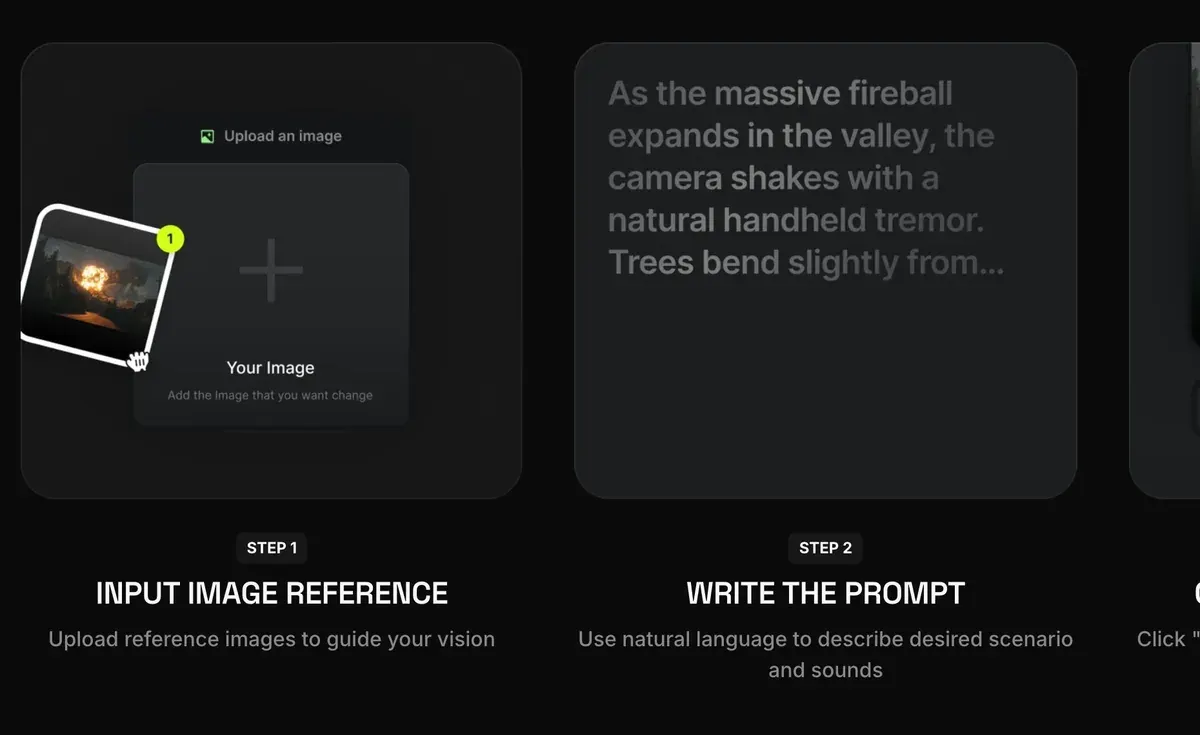
Popcorn accepts up to 4 image references (portraits, props, locations) and merges them into one sequence: address each by its number in the prompt. For example: “Man from image one in the setting of image three, wearing the outfit from image four.”
Structure the prompt like a film cue: Subject, Setting, Style, Action, Atmosphere.
The subject is the part you never change. Give your character a fixed age, face shape, eye colour, hair, skin tone and build. Add one distinctive mark, such as a small scar or a gap in the teeth. That mark gives the model something fixed to hold on to in every image.
The outfit and the setting change per post. Keep them concrete: “a rust-coloured linen shirt” gives the model more to hold than “casual clothes”.
Camera and light decide whether the image reads as a phone photo or a studio shoot. Google’s template asks for a shot type, a lighting description and “camera/lens details”, with an 85mm portrait lens as its example of a soft background. For an Instagram feed, write “shot on a phone”, as 8 of the 12 prompts below do.
The base character sheet prompt
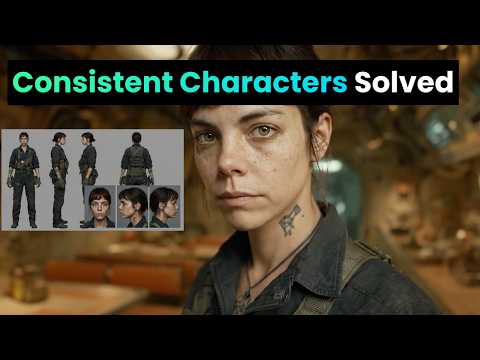
Start with a reference sheet: one image showing the same person from several angles. You reuse it as the reference image in every later prompt. The example character here is Maya, a 27-year-old running coach; swap in your own details and keep the structure. AI Video School’s tutorial builds a sheet like this in Nano Banana and shares its prompts.
A character reference sheet of one woman, shown four times on a plain light grey background: front view, three-quarter view, side profile and full body standing. She is 27, with an oval face, warm olive skin, dark brown eyes, thick straight eyebrows, a small beauty mark under her left eye and shoulder-length dark brown wavy hair with a centre parting. Athletic, slim build, 170 cm tall. She wears a plain white fitted T-shirt and black running leggings. Neutral expression, mouth closed. Even soft studio light from the front, no shadows on the background. Photographed with a 50mm lens at eye level, sharp focus, natural skin texture with visible pores. Same face, hair and proportions in all four views.
Save the description from “She is 27” to “centre parting” as a block of text. That block is your subject, and it goes into every prompt below unchanged. In the prompts that follow, [SUBJECT] stands for it.
12 photo-set prompts for Instagram
Each prompt below keeps the subject block and changes only the outfit, setting, camera and light. Attach your character sheet as a reference image where the tool allows it. Change one part per run, so you can tell what moved the result.
Café morning
A candid phone photo of [SUBJECT], sitting at a small marble table by the window of a busy neighbourhood café, holding a flat white with both hands and laughing at something off camera. She wears an oversized cream knit jumper. Morning sun from the window on her left, warm and soft. Shot on a phone at table height, slight grain, 4:5 vertical.
Gym session
A photo of [SUBJECT], mid-set on a cable machine in a concrete-walled gym, focused expression, a light sheen of sweat on her forehead. She wears a black sports bra and grey high-waisted leggings, hair tied in a low ponytail. Overhead fluorescent light mixed with daylight from a high window. Shot by a friend on a phone from three metres away, 4:5 vertical.
Mirror selfie
A mirror selfie of [SUBJECT] in a bright bedroom, holding a phone in a clear case in front of her chest, the phone covering part of her chin. She wears high-waisted light blue jeans and a white cropped tank top. Daylight from a window behind the camera. The mirror has a thin wooden frame, an unmade bed is visible behind her. 9:16 vertical, phone camera look.
Product in hand
A close-up photo of [SUBJECT] holding a small amber glass serum bottle at chin height, label facing the camera, smiling with her mouth closed. She wears a white towelling robe. Soft bathroom light from a frosted window on her right, white tiles behind her. Shot on a phone held at arm's length, the bottle in sharp focus, 4:5 vertical.
Travel, old town street
A full-length photo of [SUBJECT] walking down a narrow cobbled street lined with pastel houses, looking back over her shoulder at the camera. She wears a rust-coloured linen shirt, white wide-leg trousers and flat leather sandals, a canvas tote on one shoulder. Late afternoon golden light from behind her, long shadows. Shot on a 35mm lens from street level, 4:5 vertical.
Beach run
A photo of [SUBJECT] running along wet sand at the edge of the sea, mid-stride, arms pumping, relaxed face. She wears a teal running vest, black shorts and white running shoes. Early morning, low sun to her right, light mist over the water. Shot from the side with a 70mm lens, slight motion blur on the waves, 4:5 vertical.
Kitchen, meal prep
A photo of [SUBJECT] standing at a wooden kitchen counter, chopping vegetables on a board, glass meal-prep boxes lined up beside her. She wears a sage green T-shirt and an apron. Daylight from a window above the sink, warm under-cabinet lights. Shot from across the counter at chest height on a phone, 4:5 vertical.
Rooftop golden hour
A portrait of [SUBJECT] leaning on a rooftop railing at sunset, city blocks soft in the background, wind moving her hair. She wears a black slip dress and small gold hoop earrings. Low warm sun behind her as a rim light, her face lit by the bounce from a pale wall. Shot with an 85mm lens, shallow depth of field, 4:5 vertical.
Desk, working from home
A photo of [SUBJECT] sitting cross-legged on a desk chair, laptop open, writing in a paper notebook, a plant and a mug on the desk. She wears a grey hoodie and her hair in a loose bun with a pencil through it. Overcast daylight from a window to her left. Shot from the side at desk height on a phone, 4:5 vertical.
Night out
A flash photo of [SUBJECT] at a small bar, sitting on a stool and raising a glass towards the camera, a friend's shoulder blurred at the edge of the frame. She wears a satin emerald top and red lipstick. Direct on-camera flash, dark warm background with bokeh from string lights. Phone camera with flash, 4:5 vertical.
Park stretch
A photo of [SUBJECT] stretching her hamstring on a park bench after a run, smiling at the camera, earbuds in. She wears a lavender long-sleeve running top and black leggings. Bright overcast morning, soft even light, autumn trees behind her. Shot at eye level from two metres with a 50mm lens, 4:5 vertical.
Unboxing, top-down
A top-down photo of [SUBJECT]'s hands and lap as she opens a matte black shoebox on a light wooden floor, tissue paper folded back, new trainers inside. Her face is visible at the top of the frame, looking down and smiling. She wears a cream sweatshirt. Daylight from a nearby window. Shot from above on a phone, 4:5 vertical.
Video prompts for an AI influencer
Video tools start from a still of your character that you already like. You upload the photo, and the prompt describes only what moves. Rose Creates AI’s tutorial runs that route, from Nano Banana Pro stills to Seedance 2.0 clips.
Kling puts its image-to-video formula as subject plus movement, for clips of 5 or 10 seconds (Kling guide, 24 November 2025). It also warns that a description far from the image may cause a camera cut. So the prompt never re-describes her face.
Café still to a 5-second clip
The woman lifts the cup, takes a sip, then lowers it and smiles towards the window. Steam rises from the cup. The camera stays still at table height. Natural, unhurried movement.
Mirror selfie to an outfit check
The woman turns slowly to her left to show the side of her outfit, then back to face the mirror, keeping the phone in front of her chest. Her hair moves with the turn. The camera does not move.
Product clip for a story
The woman raises the serum bottle closer to the camera, tilts it so the label catches the light, then lowers it and nods. Slow push-in on her face and the bottle. No cut.
Talking clip, 10 seconds
The woman looks straight into the camera and speaks in a friendly, relaxed tone, small head movements and natural blinking, as if recording a story on her phone. The camera is handheld and moves very slightly. Background stays the same.
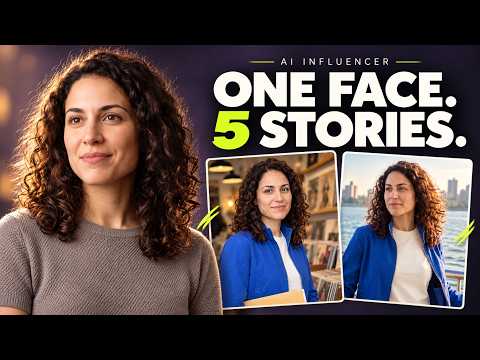
For a talking clip with your own script and voice, a lip-sync tool does the mouth movement from audio. Lip sync on Higgsfield covers that route, and the AI influencer hub sets out the full path from face to posted video.
Prompt notes for Midjourney, ChatGPT, Higgsfield and Nano Banana
The prompts above use plain sentences, so they paste into any of these tools. What changes is how each one keeps the face.
 Midjourney AI influencer prompts
Midjourney launched V8.2 on 24 July 2026 (Midjourney). Its older Omni Reference parameter, --oref with a weight --ow, works with Version 7 only. Midjourney’s help page sets the weight from 1 to 1,000 (default 100) and advises staying below 400. An Omni Reference image costs twice the GPU time of a regular V7 image (Omni Reference).
On V8.2, the Edit Model takes up to 4 image references at once and is “replacing omni-reference”. Midjourney began “letting everyone test” it on 27 August 2026 (Midjourney update). Attach your character sheet there, or use --edit on Discord.
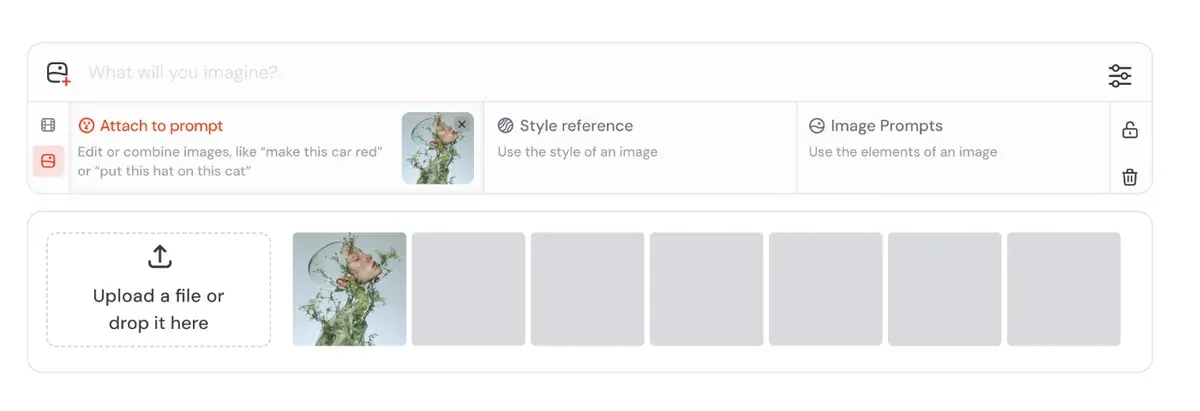
Users credit Midjourney with a stylised, cinematic look (13 of 47 sources: r/midjourney, G2). For one face across a set, they report it trails Nano Banana and GPT Image (5 of 47: r/midjourney, r/midjourney).
Midjourney has no free plan. Plans start at $10 a month.
 ChatGPT AI influencer prompts
ChatGPT works as a conversation. You upload your character sheet, paste a photo-set prompt, then ask for changes in plain words. OpenAI’s help article describes a selection tool for editing one area and an aspect ratio picker. It adds that naming the area in your prompt helps the edit stay there (Images in ChatGPT).
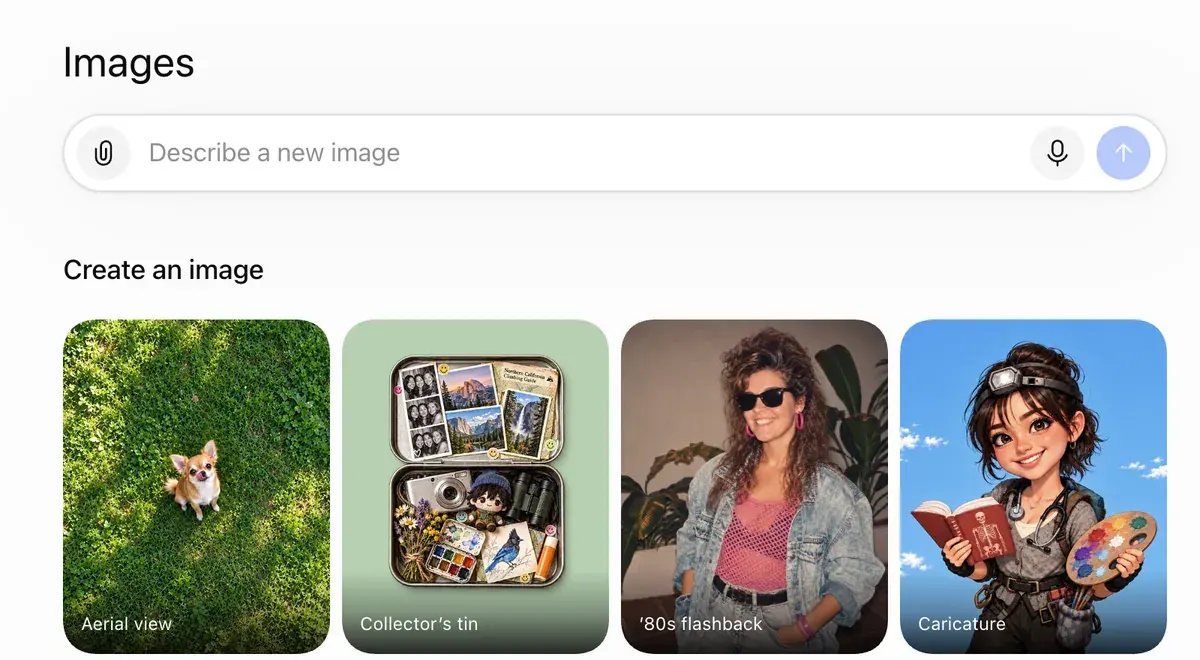
Name what must stay the same in every edit request: “keep her face, hair and beauty mark exactly as they are, change only the jumper”. Users report that edits change parts of the image that should stay put (7 of 34 sources, among them Trustpilot).
Another 6 of 34 say people look AI-made without careful prompting (YouTube, r/FacebookAds). The camera and light parts of the formula are there for that.
ChatGPT also writes prompts. Paste the formula table and ask it for ten new scenes in the same five parts, with your subject block left untouched.
 Higgsfield AI influencer prompts
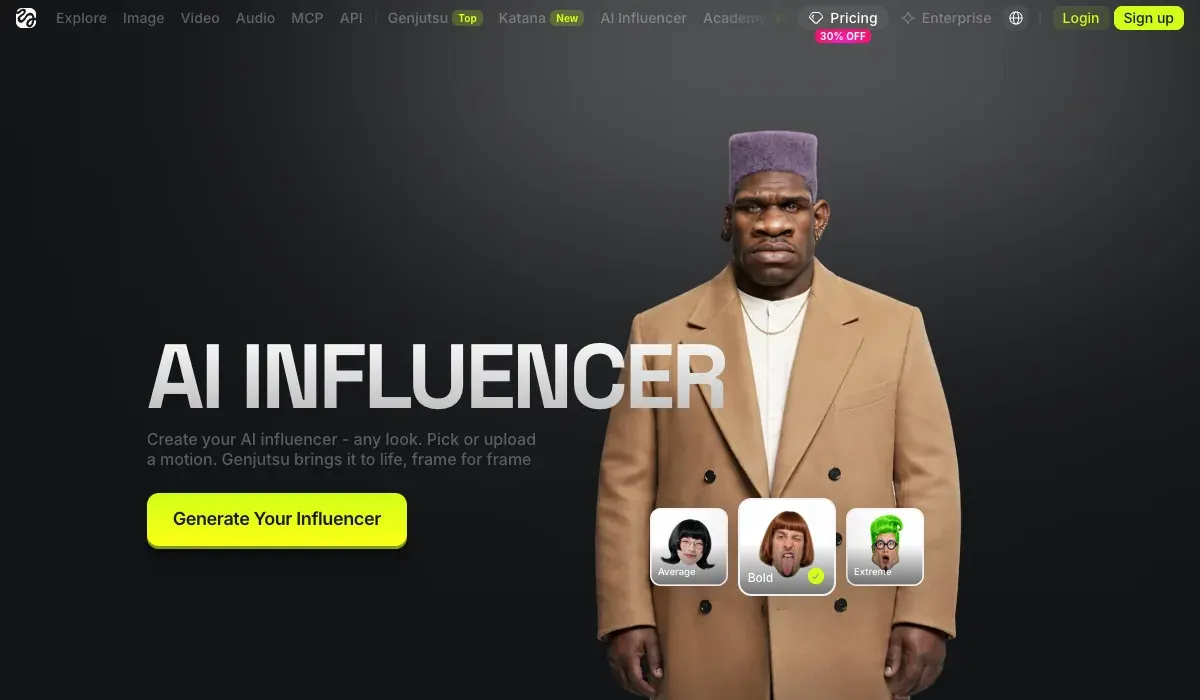
Higgsfield’s AI Influencer Studio needs no prompt for the face. You build the character from 19 menu settings. Each run returns a close-up portrait and a full-body shot for 1.12 credits (3 October 2026). After that, the only text you type is a short edit; its product page gives “give her a buzz cut” as the example.
How do I use AI Influencer?
AI Influencer is Higgsfield’s visual character builder for virtual personas. Every attribute is configured from menus in the Builder panel, with no prompt writing required, and characters generate at up to 4K. AI Influencer supports human and non-human characters, finished characters are saved to your character library for reuse, and you can turn a character into video or refine it with a text edit right there.
What is AI Influencer? AI Influencer works like a game character creator: you select each attribute from menus. The Builder panel covers the base identity: Character Type, Gender, Ethnicity / Origin Base, Skin Color, Eye Color, Skin Conditions, and Age. Below it, Advanced settings opens three tabs, Face, Body, and Style, with the full attribute set. Reset clears the configuration and starts over.
Prompts come back in for the photo set. Soul ID trains on 20 or more photos of your character in about 3 to 5 minutes. Then you pick it from the Character tab and stop describing the face (Soul ID post, 15 June 2026).
What is Soul ID?
Train once and reuse the identity.
A trained Soul ID works across the Soul family.
With Soul ID, drop [SUBJECT] from the photo-set prompts above. Everything after it stays as written.
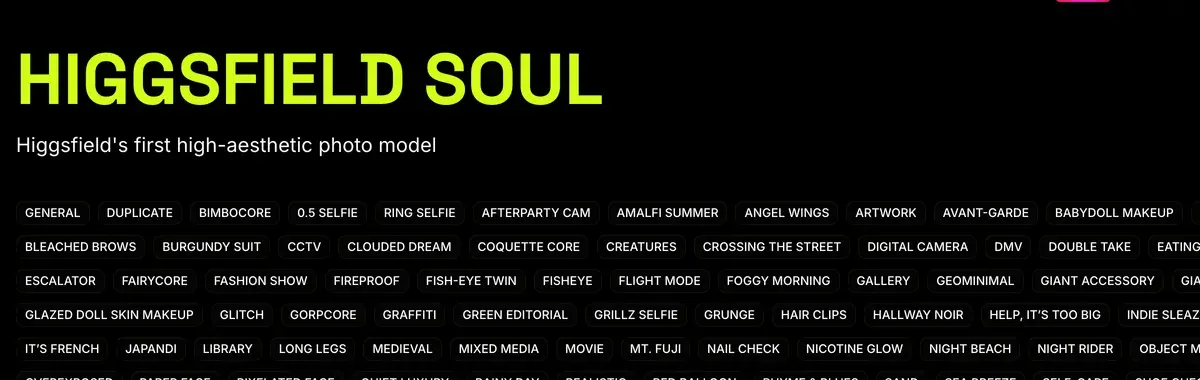
The same plan runs Nano Banana Pro and video models. Its motion tab copies the movement of a 3 to 30 second clip onto your character at 1080p (product page). The launch post gives 4 to 30 seconds. Users name the one login and balance for many models as a plus (6 of 52 sources: YouTube, YouTube).
They also report that Unlimited runs on a slow queue, with waits of 20 minutes to over two hours (8 of 52: Trustpilot, Reddit). Plans start at $19 a month.
The Higgsfield AI Influencer walkthrough shows each screen, and the Higgsfield Soul guide covers training.
 Nano Banana AI influencer prompts
Nano Banana Pro blends up to 14 images in one prompt (Google, 20 November 2025), which suits the character sheet method. Higgsfield’s help article adds a rule for those references: describe the role of each one in the prompt (Higgsfield help).
How do I generate with Nano Banana Pro?
Open higgsfield.ai → Image → Nano Banana Pro.
Choose your input mode: Text-to-Image, Multi-reference, or Image-to-Image.
Write a clear, specific prompt. Describe the subject, setting, lighting, and any specific quantities or text. Be explicit.
Add references if needed (up to 14), and describe the role of each reference in the prompt.
Set the resolution. Start at 1K when iterating, scale to 2K or up to native 4K for final assets.
Generate and iterate. If something is off, change the prompt or the reference, not both at once.
Its own steps and 10 prompts written for it are on Nano Banana for AI influencers.
When the face drifts between images
Three fixes, in the order to try them.
- Start a new chat and paste the subject block in full. Google’s guide says a fresh conversation with a detailed description helps when features drift after many edits.
- Re-attach the character sheet as a reference on every run, and change one part of the prompt at a time.
- Train the face. Users credit Soul ID and reference sheets with keeping characters consistent across shots (5 of 52 sources: YouTube, YouTube). How to keep an AI character consistent compares the methods, and AI influencer LoRA covers training your own.
One rule applies whatever the tool. Platforms expect you to label the character as AI, and Google’s terms bar “misleading others into thinking that generative AI content was created by a human” (Google Terms of Service). Is an AI influencer legal? sets out each platform’s rule.
These prompts make stills and clips for an account; prompts for scripted ad videos are a different job, covered in AI UGC prompts.
Questions about AI influencer prompts
What makes a good AI influencer prompt?
A base description of the person that never changes, plus a new scene around them in every image. Fixed wording is what keeps the face the same across posts.
Is there a free AI influencer prompt generator?
ChatGPT’s Free plan writes them. Give it the five-part formula and your subject block, and ask for new scenes in the same shape.
How do I make AI influencer images look like phone photos?
Name a light source and a camera in the prompt, such as “morning sun from the window” and “shot on a phone”. Ask for visible skin texture and pores, and keep the pose candid.
Can I use the same prompt in Midjourney and Nano Banana?
Yes, the sentences paste into both. Each keeps the face its own way. Midjourney’s V8.2 Edit Model, open to everyone as a test, takes up to 4 references. Nano Banana Pro blends up to 14 images in one prompt.
Next on Higgsfield: prompts into fashion-ready shots
Sources
- Google Developers Blog: How to prompt Gemini 2.5 Flash Image Generation for the best results, Published 28 August 2025:
Describe the scene, don’t just list keywords
, the photorealistic template with shot type, lighting, camera and aspect ratio, and a fresh chat with a full description when features drift. Checked - Midjourney: Omni Reference, Works with Version 7 only; --ow from 1 to 1,000, default 100, kept below 400; twice the GPU time of a regular V7 image; one reference image. Checked
- Midjourney: Version 8.2, Dated 24 July 2026: the V8.2 image model launches. Checked
- Midjourney: Edit Model for V8, Dated 27 August 2026: everyone can test the V8.2 Edit Model, up to 4 image references at once, replacing Omni Reference; --edit on Discord. Checked
- OpenAI Help Center: Images in ChatGPT, Edit a generated or uploaded image by describing the change, a selection tool for one area, an aspect ratio picker, available on all tiers. Checked
- Higgsfield: AI Influencer, Dated 3 October 2026: 19 menu settings, no prompt to write, a portrait and a full-body shot per run, 1.12 credits a generation, motion transfer from a 4 to 30 second reference video, optional photo of yourself or someone who gave permission. Checked
- Higgsfield: AI Influencer Studio, Short typed edits such as
give her a buzz cut
, motion from a 3 to 30 second reference clip, 1080p output. Checked - Higgsfield: Soul ID character consistency, Dated 15 June 2026: 20 or more photos, about 3 to 5 minutes of training, no need to re-describe facial features afterwards. Checked
- Kling AI: Image to video guide, Dated 24 November 2025: the formula subject plus movement, 5 or 10 second clips, and a warning that a description far from the image may cause a cut. Checked
- Google: Introducing Nano Banana Pro, Published 20 November 2025: blend up to 14 images in one prompt and keep the resemblance of up to 5 people. Checked
- Higgsfield help centre: How do I use Nano Banana?, Up to 14 references on Nano Banana Pro; describe the role of each reference in the prompt. Checked
- Higgsfield help centre: How do I use Popcorn?, Structure the prompt as Subject, Setting, Style, Action, Atmosphere; address each reference by its number. Checked
- Google: Google Terms of Service, Bars misleading others into thinking that generative AI content was created by a human. Checked
- Reddit, Trustpilot, G2 and YouTube: User reports on Midjourney, ChatGPT, Higgsfield and Nano Banana, 171 public sources synthesised: 47 on Midjourney, 34 on ChatGPT, 52 on Higgsfield, 38 on Nano Banana. Checked

Alexandre S.
Alexandre S. is a creative ad strategist and copywriter with ten years' experience in digital marketing across multiple channels.
Related pages
-
 Guide What is Higgsfield Soul 2.0?
What Higgsfield Soul 2.0 and Soul ID do, how to train a consistent character, what it costs, and the likeness rules that apply in ads. Checked 16 October 2026.
-
 Compare Midjourney vs Nano Banana for ads
Firms over $1M a year need Midjourney Pro or Mega to own outputs; images below Pro are public. Nano Banana 2: $0.067 per API image. Checked 2 October 2026.
-
 Compare GPT Image 2 vs Nano Banana
A 1K API image: GPT Image 2 medium $0.053 (OpenAI table, 23 September), Nano Banana 2 $0.067 (2 October). OpenAI assigns you the output; Google won’t claim it.
-
 Guide AI influencer niche ideas
20 AI influencer niches with the brands that fit each, three post ideas apiece and the one rule that trips each niche. Read 24 October 2026.


