Higgsfield Marketing Studio
Higgsfield Marketing Studio is the part of Higgsfield that turns a product into ads. You give it a product photo or a product page link and pick a template. It returns a UGC video (an ad that looks filmed by a customer on a phone), a product shot or a finished image ad.
It runs on the website, from a library of “1,500+” templates, and a video clip runs up to 15 seconds (help article). Every generation spends credits, and the cost shows on the Generate button before you confirm.
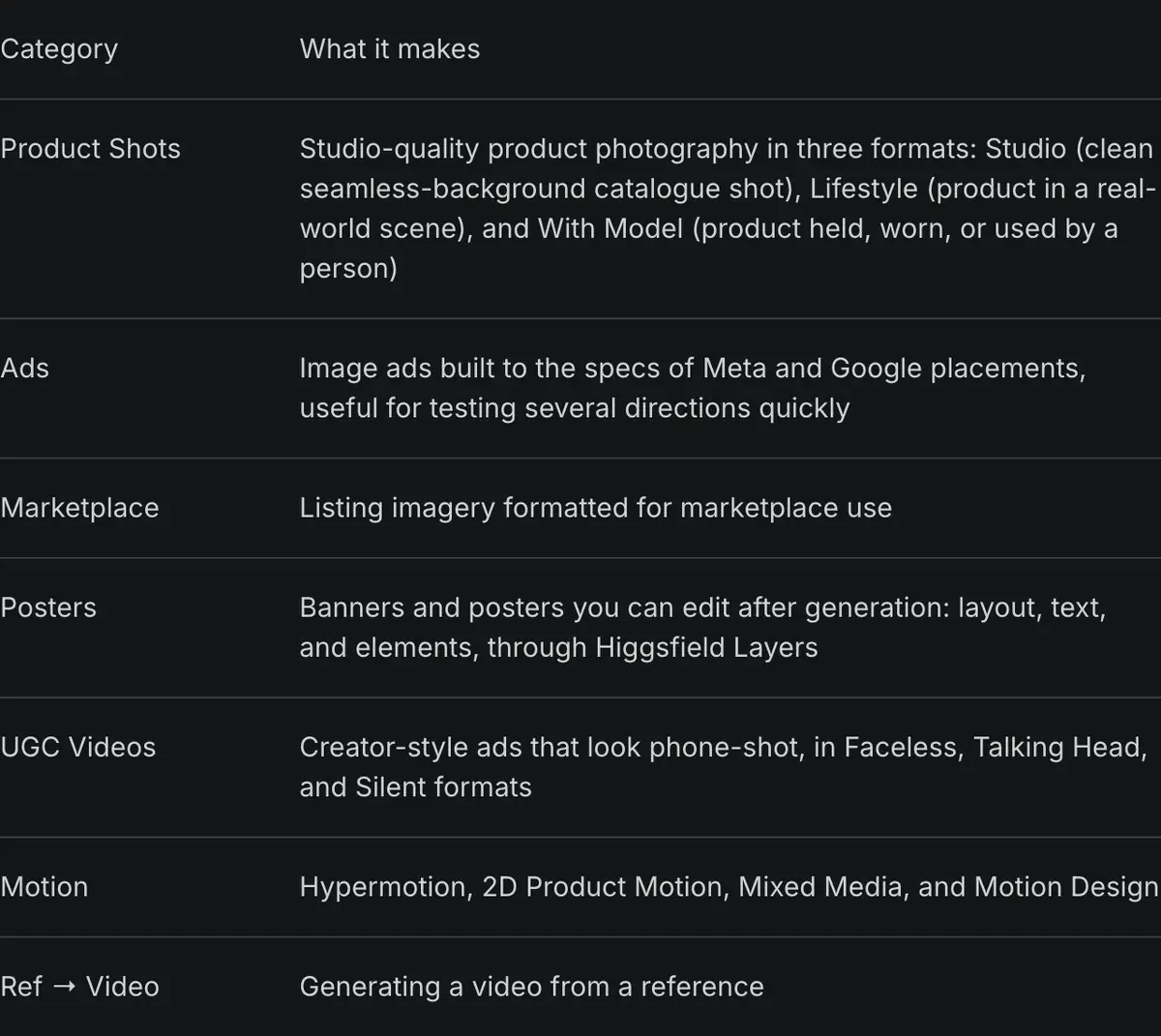
| Category | What you get | Formats inside |
|---|---|---|
| UGC Videos | Creator-style clips up to 15 seconds | Faceless, Talking Head, Silent |
| Product Shots | Still photos of your product | Studio, Lifestyle, With Model |
| Ads | Image ads for testing several directions quickly | Built to Meta and Google placement specs |
| Marketplace | Images for shop listings | Formatted for marketplace use |
| Posters | Banners and posters | Editable afterwards in Higgsfield Layers |
| Motion | Animated product clips | Hypermotion, 2D Product Motion, Mixed Media, Motion Design |
| Ref to Video | A new clip generated from a reference video | Not listed |
Scroll sideways for all 3 columns
What is Higgsfield Marketing Studio?
Marketing Studio is Higgsfield’s template workspace for commercial content. Its product page puts it as “Turn any product into ready to post content” (Marketing Studio).
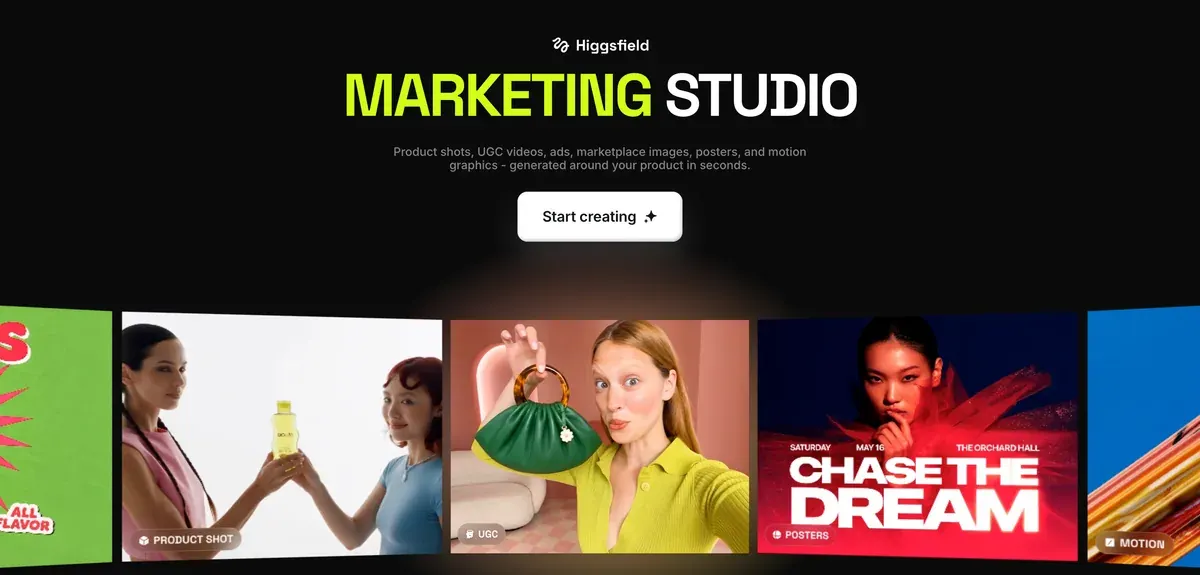
The help article sorts the templates into the seven categories in the table above. The product page filters the same library by images or videos, then by seven filters: Product shot, Motion, UGC, TikTok, Ads, Posters and Marketplace. The product page lists TikTok where the help article lists Ref to Video.
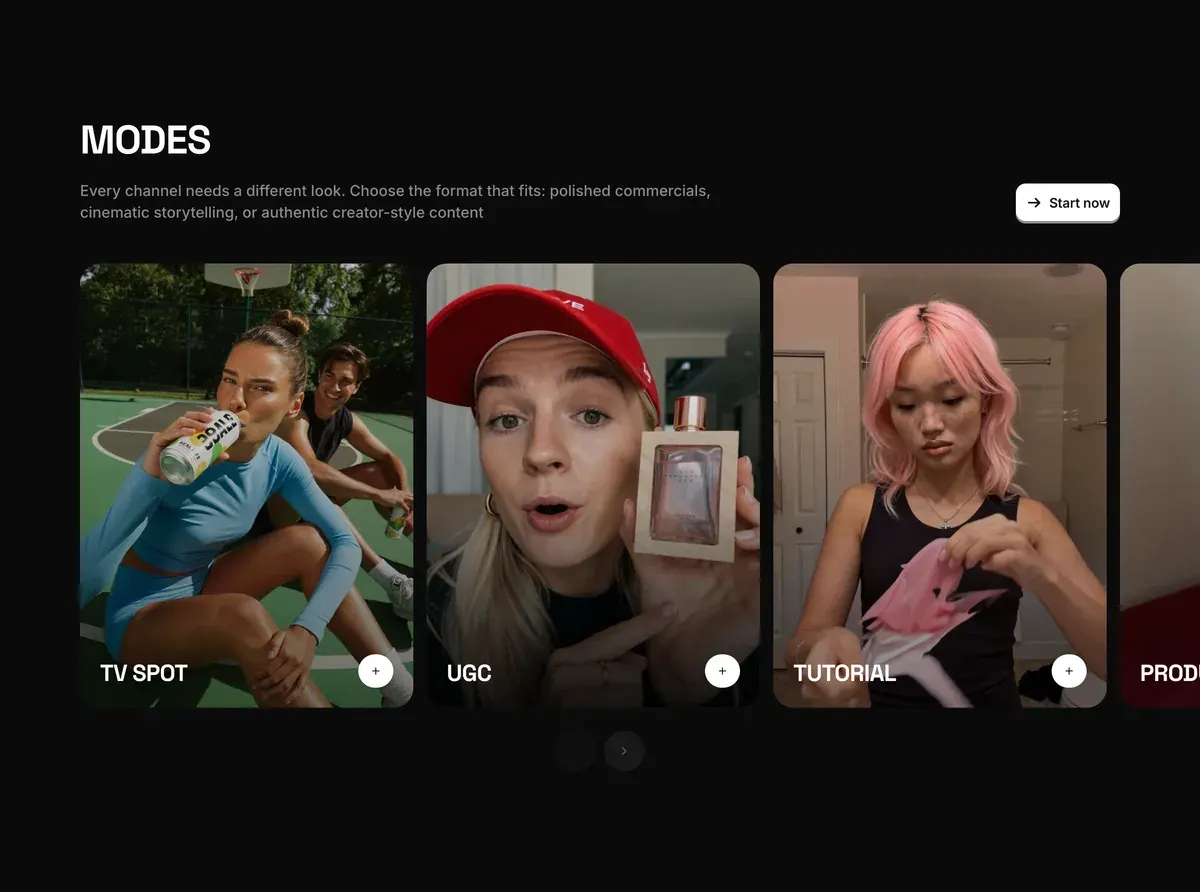
Higgsfield’s Marketing Automation page lists nine video modes. They are TV Spot, UGC, Tutorial, Product Review, Unboxing, UGC Virtual Try On, Hyper Motion, Pro Virtual Try On and Wild Card. Its questions section sorts them into UGC, Professional and TV spot. Every generation “runs on Seedance 2.0”, ByteDance’s video model.
The people on screen come from “40+ ready-to-use avatars”, or from one you describe in a text prompt, made with Higgsfield’s Soul 2.0 image model. A saved avatar carries over from one campaign to the next.
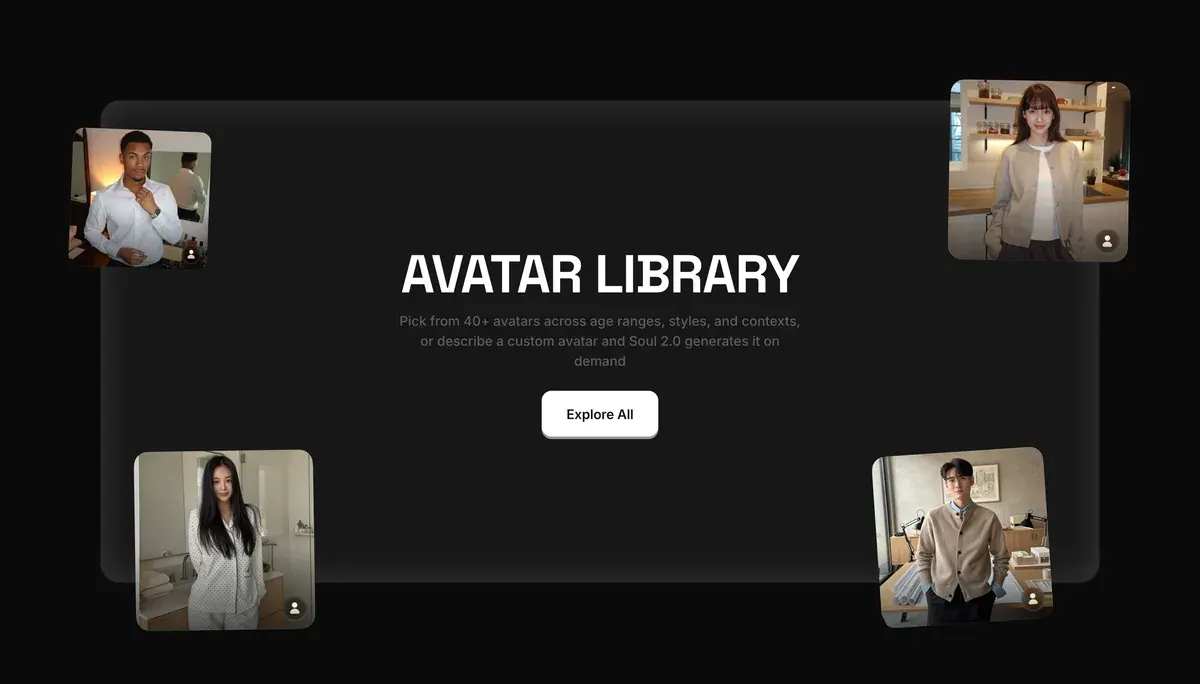
That is the point for an ad buyer. One face can front every version of a hook, so a test measures the hook and keeps the presenter constant. For a face of your own, the help article adds that a Soul ID trains “from 20 or more reference photos”.
How to make a UGC video in Marketing Studio
Six steps take you from a product link to a finished clip.
- Open Marketing Studio. Sign in at higgsfield.ai and choose Marketing Studio in the left sidebar. Have Higgsfield’s own walkthrough, How do I use Marketing Studio to create video ads?, open in a second tab as you go.
- Add your product. Paste a product page link, and Marketing Studio “automatically extracts the product name, description, and images”. With no page, build a product profile from up to 5 images.
How do I create an ad from a template?
Open higgsfield.ai → Marketing Studio.
1. Pick a template. The library is organized by task type: Product Shots, Ads, Marketplace, Posters, UGC Videos, and Motion.
2. Connect your brand. Upload a product image, or paste a website or product page link: the page is read automatically, and brand signals (product imagery, logo, colors, copy) fill the template.
- Pick a template. Filter the library to Videos, then UGC. “Before and After” is one UGC template on the product page.

- Choose an avatar. Take one from the library, describe a new one in a prompt, or use your trained Soul ID.
- Choose a mode. UGC, Product Review or Unboxing give creator-style clips; TV Spot gives a polished commercial.
- Generate, then review. Check the cost on the button first. Watch the result before it goes anywhere: the help article warns that “voiceover and pacing in UGC Videos can vary”.
What are the current limitations?
The maximum clip length is 15 seconds per generation. Voiceover and pacing in UGC Videos can vary by generation: review before publishing. Editing after generation is available only in the Posters category; results in other categories are regenerated, not edited. The template-based Marketing Studio isn’t available through Supercomputer, MCP, or other agentic channels yet.
Only Posters can be edited after generation. Any other result you dislike is generated again, at full credit cost.
A product saved once stays in Marketing Studio, reusable “across every generation”. Add your catalogue at the start and each later ad is a template and an avatar away.

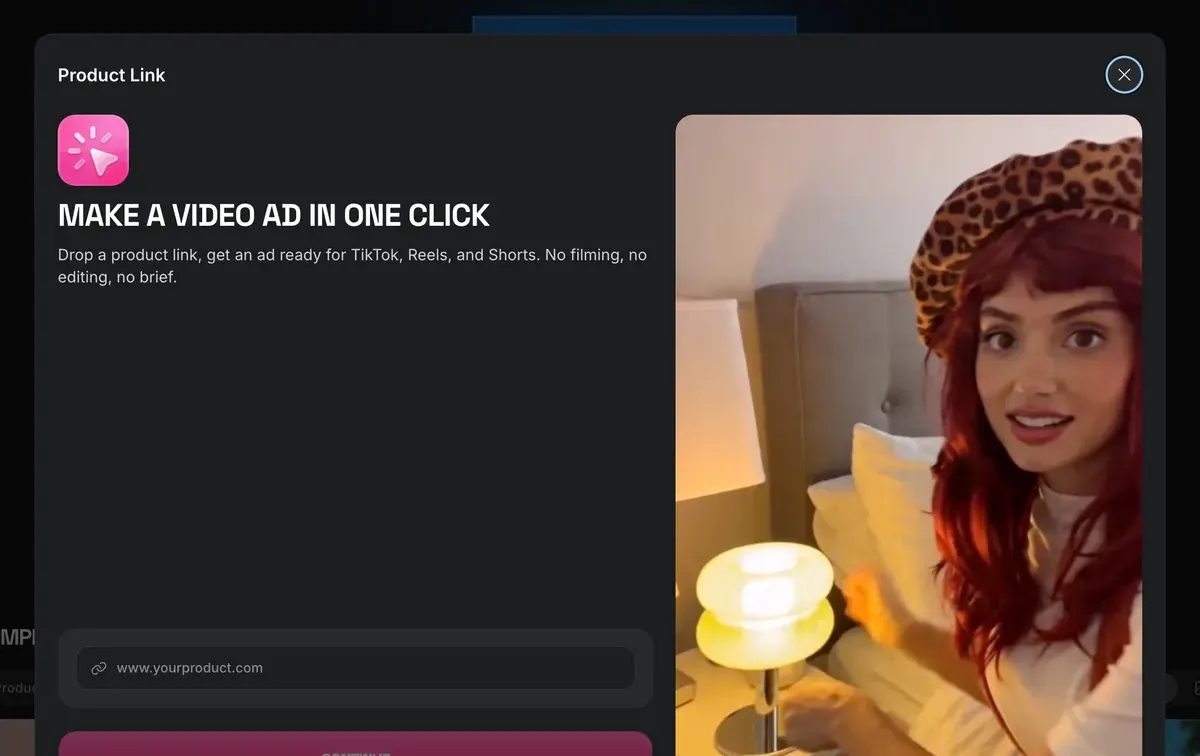
Higgsfield’s Click to Ad app is the one-step route. It takes a product link and returns a video ad for TikTok, Reels and Shorts (Higgsfield apps).
How to make product shots
Product Shots is the still-image category, with three formats: Studio, Lifestyle and With Model. It suits catalogue photos and the clean product frames a static ad starts from.
- Pick a Product Shots template. The product page shows examples such as Chilled Can, Ice Cube Hover and Golden Dew.
- Add the product. Upload a photo or paste its page link.
- Generate, then check the shot against your real product before using it.
Two neighbouring categories cover related jobs. Marketplace makes listing images for online shops. Posters makes banners whose text you change later in Higgsfield Layers.
For a batch of static ads built from your brand kit, Higgsfield has a separate tool: Higgsfield Ads Studio.
How much does it cost?
Higgsfield’s own sample table prices a 15-second Marketing Studio clip at 720p at 90 credits (ad localisation guide, 23 September 2026). The help article publishes no rate and says cost “depends on the category, clip length, and resolution”.
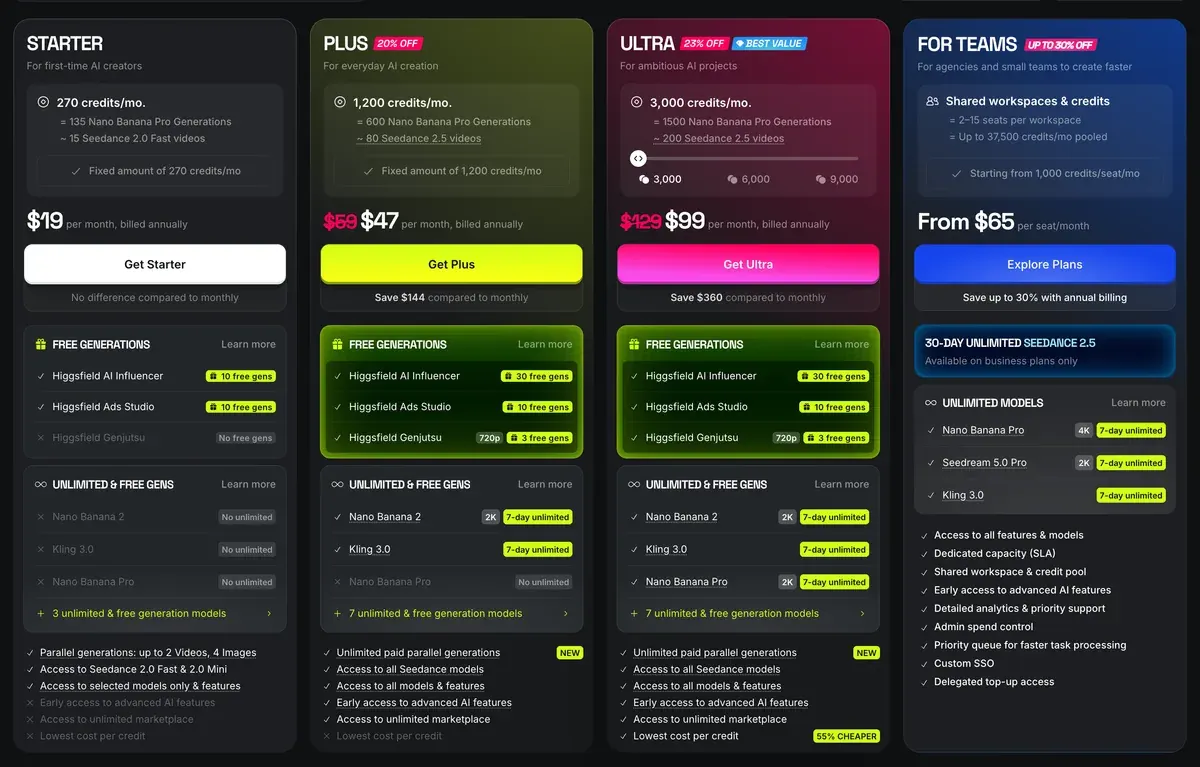
At 90 credits a clip, Plus at $49 a month for 1,000 credits a month buys 11 clips, each about $4.41 at the Plus rate per credit. Ultra’s 3,000 cover 33. Starter’s 200 credits would cover 2. The pricing page ticks its “UGC builder” row on Plus and Ultra only, so count on UGC Videos from Plus up.
The template-based Marketing Studio “isn’t available through Supercomputer, MCP, or other agentic channels yet”, so batches run by hand on the website.
Reruns are the hidden cost. Eight of 52 public sources say generations run slow or fail and still cost credits (Reddit, YouTube). Every plan and rate: Higgsfield pricing.
Can you run its videos as ads?
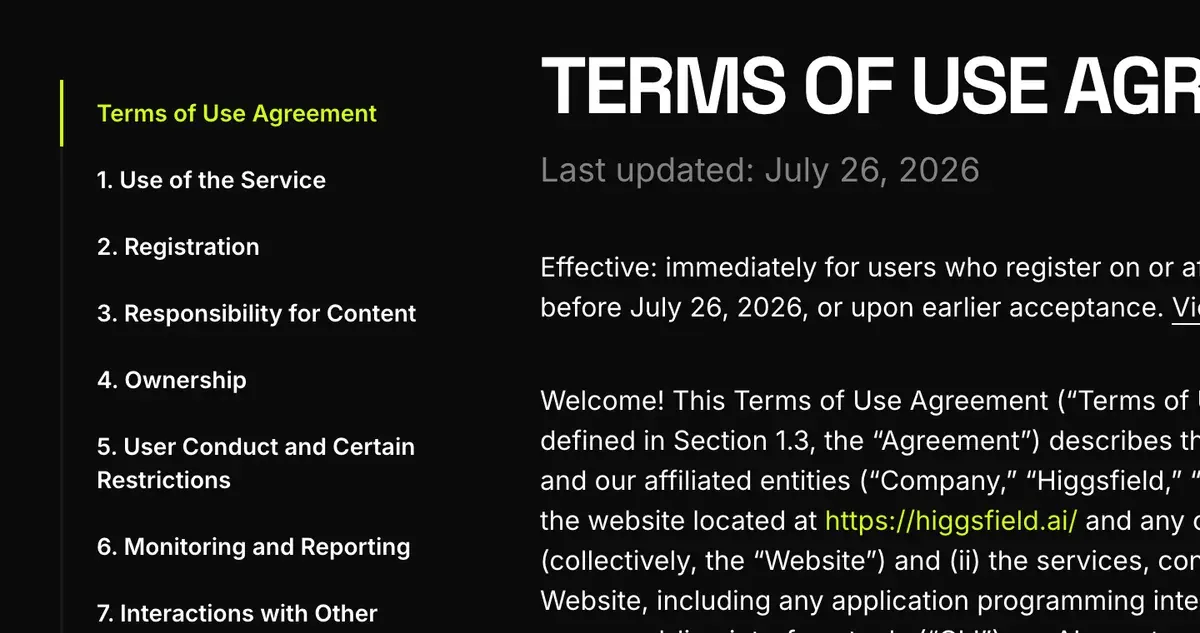
Yes, on any plan, with conditions. Section 4.4 of Higgsfield’s terms says it “does not claim ownership” of outputs and does not “restrict your commercial use” (Terms of Use).
The help centre adds that commercial rights do not depend on the plan, and paid plans download without the free plan’s watermark (ownership article).
Four points decide whether a UGC clip is safe to put money behind:
- A synthetic customer needs a label. Section 5.2(xi) bars presenting output as human-generated, so an avatar “reviewing” your product needs the ad platform’s AI label. Meta’s version: Meta AI disclosure rules.
- A testimonial must be true. What US endorsement rules say about an avatar speaking as a buyer: AI UGC and the law.
- A real face or voice needs consent. Section 5.3 makes you warrant the release for every person in your inputs, a trained Soul ID included.
- Your inputs can train Higgsfield. Outside an Enterprise Agreement, s.4.4 lets it train on inputs and outputs. IP indemnity (Higgsfield defending you against a rights claim) sits on Enterprise only.
Check claims against the product too. Four of 52 public sources say Higgsfield’s marketing shows results they could not reproduce, one of them about the AI Motion Designer demo (YouTube, Trustpilot). Run a clip on a small test budget before you scale it.
For a recurring virtual creator across campaigns, see Higgsfield AI Influencer. For scripted avatar ads, Arcads vs Higgsfield sets a dedicated rival beside it. Every tool in the category sits in AI UGC tools. The whole platform, tab by tab: how to use Higgsfield and the Higgsfield profile.
Questions about Higgsfield Marketing Studio
Is Higgsfield Marketing Studio free?
No. Every generation spends credits, and a 15-second clip at 720p costs 90 in Higgsfield’s sample table. The pricing page ticks the UGC builder on the Plus and Ultra plans only.
How long can a Marketing Studio video be?
Up to 15 seconds per generation, per the help article.
How many avatars does Marketing Studio have?
Higgsfield states “40+” ready-to-use avatars. You can also describe a new one in a prompt or train a Soul ID of a real person who has consented.
Can I use Marketing Studio through MCP or Claude?
No. The help article says template-based Marketing Studio works only on higgsfield.ai, with no access through MCP or the Supercomputer agent.
Can I edit a Marketing Studio video after it is made?
No. Posters is the only category you edit after generation; any other result is generated again.
Next on Higgsfield: Marketing Studio
Every Higgsfield guide, sorted by job, is in the Higgsfield hub
Sources
- Higgsfield help centre: How do I use Marketing Studio to create video ads?, Seven categories with their formats, 1,500+ templates, three template steps, Soul ID from 20 or more photos, 15 seconds per clip, editing in Posters only, no agentic channels; modified 1 September 2026. Checked
- Higgsfield: Marketing Automation, 40+ avatars on Soul 2.0, nine video modes (its FAQ groups them as UGC, Professional and TV spot), four steps, product import from a link or up to 5 images, videos on Seedance 2.0. Checked
- Higgsfield: Marketing Studio, Template library with filters for images, videos and seven categories, TikTok among them. Checked
- Higgsfield: How to localize video ads into every language with AI, Sample pricing table with a 15-second Marketing Studio clip at 720p for 90 credits; posted 23 September 2026. Checked
- Higgsfield: Higgsfield pricing, Plan cards and the compare-features table, read in a browser; the UGC builder sits on Plus and Ultra; prices exclude VAT. Checked
- Higgsfield help centre: Who owns my generations, and can I use them commercially?, Commercial rights not tied to a plan, watermark removed on paid plans, indemnity on Enterprise only; modified 12 September 2026. Checked
- Higgsfield: Higgsfield Terms of Use (26 July 2026), 4.4 on commercial use and training, 5.2(xi) on output presented as human-made, 5.3 on faces and voices. Checked
- Trustpilot, Reddit and YouTube: Higgsfield user reports, 52 public sources synthesised, checked 28 September 2026. Checked
What changed on this page
- Higgsfield’s prices went back: Starter is 15 dollars a month for 200 credits, Plus 49 a month or 39 billed yearly for 1,000 credits, and Ultra 129 or 99 billed yearly has a card again (was Starter 19 for 270, Plus 59 or 47 for 1,200).
- Higgsfield changed its prices: Starter is 19 dollars a month for 270 credits (was 15 for 200), Plus 59 a month or 47 billed yearly for 1,200 credits (was 49 or 39 for 1,000).

Alexandre S.
Alexandre S. is a creative ad strategist and copywriter with ten years' experience in digital marketing across multiple channels.
Related pages
-
 Guide Higgsfield prompts for ads
Higgsfield runs Kling, Veo and Seedance, so each prompt follows that maker’s rules and costs. Ad prompts by model, with credit costs, checked 2 October 2026.
-
 Guide What is Higgsfield Soul 2.0?
What Higgsfield Soul 2.0 and Soul ID do, how to train a consistent character, what it costs, and the likeness rules that apply in ads. Checked 16 October 2026.
-
 Guide AI UGC prompts
The prompt fields Google, Kling, Luma and ByteDance publish for UGC clips, side by side, and the credit rules that bill a failed prompt. Read 2 October 2026.
-
 Compare HeyGen vs Higgsfield
HeyGen Pro bills a 720p Seedance 2.0 clip at a flat 60 credits; Higgsfield shows its rate only on the Generate button. Terms, checked 2 October 2026.
-
 Guide Higgsfield Canvas
Higgsfield Canvas chains AI models on one board of nodes: prompt, image, video. The steps, what it costs in credits and three ad workflows, 20 October 2026.


