How to keep an AI character consistent
A consistent AI character is one face that stays the same person in every image and clip you make. Faces drift because a text prompt describes a person loosely, and the model draws a fresh face that fits the words each time.
The fix is to hand the model the face. You either show it reference photos with every request, or you train it on the face once. In Google’s API, Nano Banana 2.1 takes up to 4 character images per request. Nano Banana Pro takes up to 5 (Gemini API docs, read 24 October 2026).
| Method | What you give it | Where it runs | Use it when |
|---|---|---|---|
| Reference images | 1 to 10 photos of the face, every time (most tools take 4 or 5) | Nano Banana, Ideogram, Midjourney, OpenArt, Kling, FLUX | You need a few dozen images |
| Trained identity | 20 to 80 photos for Soul ID, 4 to 100 for OpenArt, once | Higgsfield Soul ID, OpenArt custom model | The character posts for months |
| Your own LoRA | A captioned set of the face, once | Your GPU or a hosted trainer | You want full control and open models |
| Face swap | One face photo per fix | Higgsfield Face Swap | One shot came out wrong |
Scroll sideways for all 4 columns

Why AI faces change from one image to the next
Every image starts from random noise. The model turns that noise into a picture that matches your prompt, and “woman, 28, brown hair, freckles” fits millions of faces. So you get a new one each run.
A seed number repeats the same noise, but any change to the prompt moves the face. What holds a face is a picture of it, because the model then copies features instead of guessing them.
Check a tight portrait before you make fifty wide shots. Small changes to the eyes or jaw hide in a wide frame and show at full size.
Method 1: reference images
Reference images are photos you attach to the prompt so the model copies the face from them.
Nano Banana, Google’s image model in the Gemini app, “can accept multiple reference images” and keeps “the look of a person or character across various generated images” (Gemini Apps Help). Five of 38 user sources say faces hold across images and one prompt can combine many references (Reddit, Reddit).

Five of 38 also report moderation refusing harmless edits, their own face flagged as a public figure among them (Reddit, Reddit).
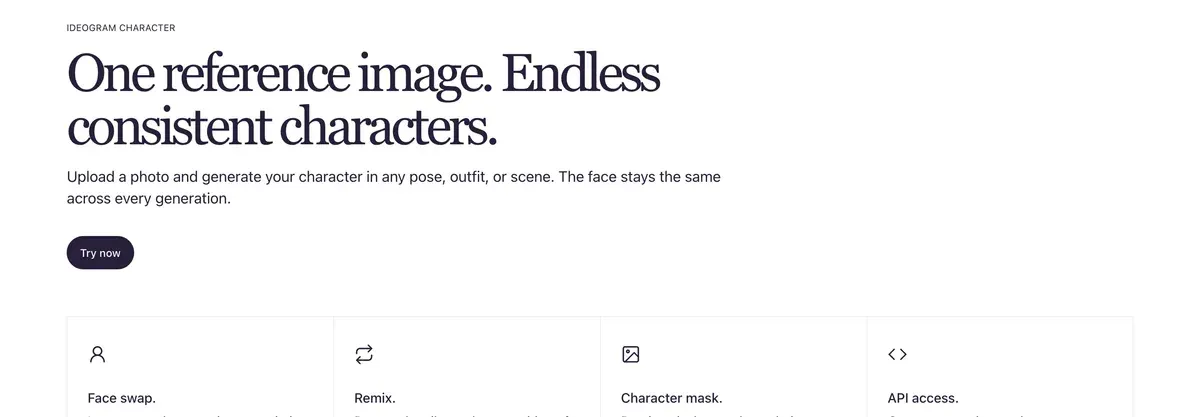
Ideogram 4.5 takes one to five reference images and promises your character “in any pose, outfit, or scene” (Ideogram). Reference generations always use credits. Ten of 61 user sources raise billing complaints, extra charges for characters and references among them (Trustpilot, Reddit).

Midjourney’s V8 edit model (27 August 2026) takes “up to 4 image references at once” and is “replacing omni-reference”, the older one-image character feature (Midjourney update). Five of 47 user sources say its character consistency trails Nano Banana and GPT Image, so they finish sequences there (Reddit, YouTube).
OpenArt saves a character from one image, a prompt or presets, then lets you tag it “in any new generation, whichever model you pick” (OpenArt Characters). New accounts start with 40 free credits (OpenArt, read 24 October 2026).
FLUX.2, from Black Forest Labs, takes up to 8 reference images through its API and 10 in its playground, and klein takes 4 (FLUX.2 overview). It suits developers who batch images by code.
Method 2: a trained identity
A trained identity learns the face from a photo set once. After that you pick the character by name and attach nothing.
Higgsfield’s version is Soul ID. Its help article asks for “20 or more photos of the same person (up to 80 supported)” (help article, modified 2 September 2026). Higgsfield’s blog puts training at “about 3 to 5 minutes” and lists what it locks: “facial structure, proportions, skin tone, and hair” (Soul ID post, 15 June 2026).
What is Soul ID?
Train once and reuse the identity.
A trained Soul ID works across the Soul family.
That makes Soul ID the lowest-effort route for an influencer who posts for months, because one training covers every later image. Five of 52 user sources credit Soul ID and Elements with keeping characters consistent across shots (YouTube, YouTube). Three of 52 report moderation blocking prompts and even characters Higgsfield made itself (Reddit, Reddit).
OpenArt offers the same idea as an optional custom Character model trained on “4 to 100 sample images”, for characters you use often.
Method 3: your own LoRA
A LoRA is a small add-on file trained on your character that plugs into an open image model. It takes more setup than Soul ID, and you own the file and run it where you like. Datasets, training routes and licences: AI influencer LoRA, and the node-based route in AI influencer ComfyUI.

Method 4: face swap as a fix-up
Face swap replaces the face in one finished image or clip with your character’s face. It rescues a good shot where the face drifted, and it is no way to build a whole feed. Limits and consent rules: Higgsfield face swap.
How to keep a face with Nano Banana in the Gemini app
The upload and edit flow follows Google’s Gemini Apps Help. You must be 18 or over to edit images.
-
Go to gemini.google.com, open the sidebar and select Images. Describe your character on a plain background, facing the camera, in soft daylight.
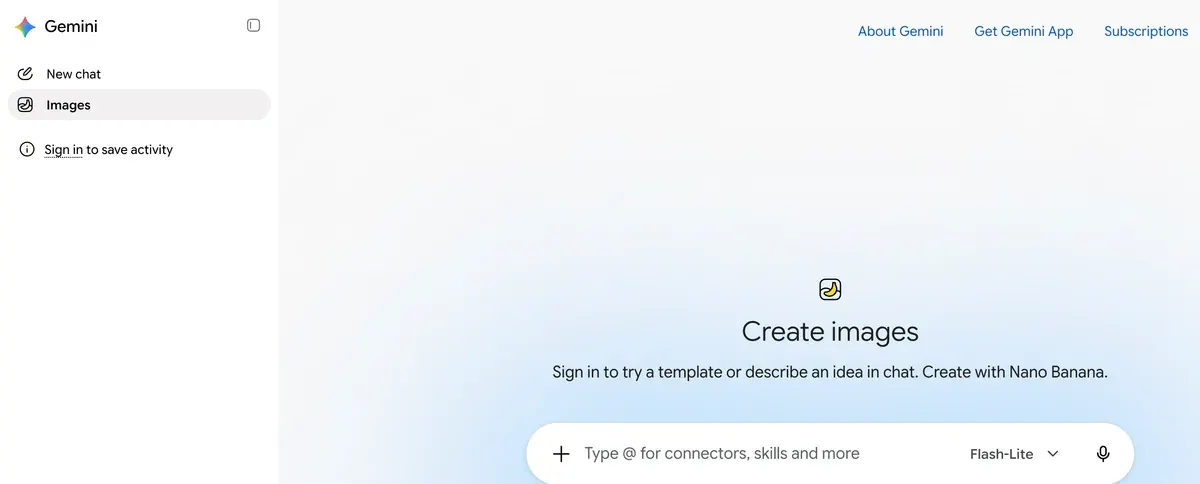
Gemini’s sidebar, with Images selected: the screen where Nano Banana draws the master face Gemini Images entry in the sidebar, captured -
Pick the best result and save it. That image is your master face.
-
Upload the master in a new chat and ask for more views of the same person, from a three-quarter angle to full length.
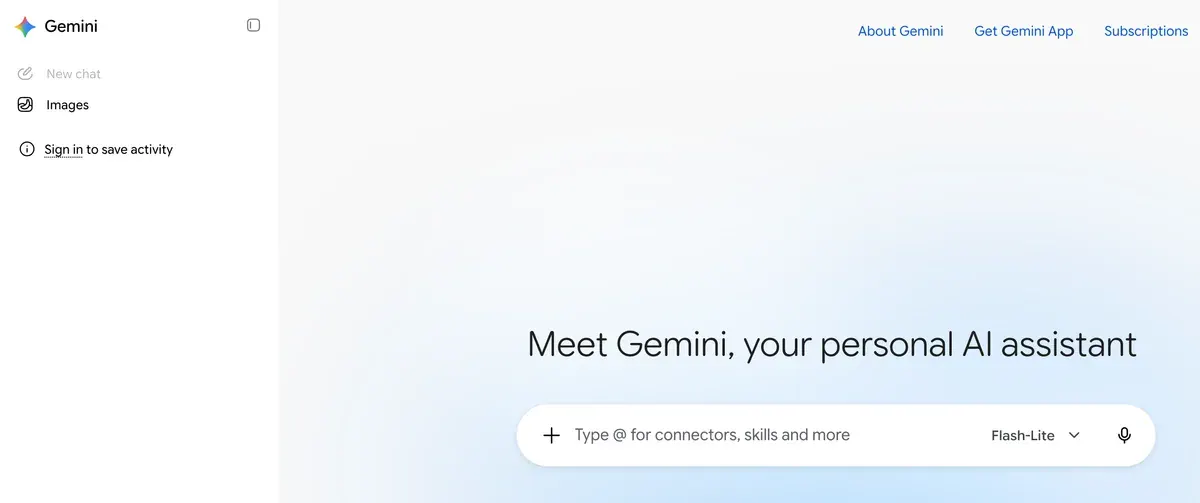
A new Gemini chat: the plus button in the prompt box uploads the master face Gemini new chat screen, captured -
For every new scene, upload two to four of those views and describe the scene. A tip: refer to “the person in the images”, so the prompt points the model at the face.
-
Check each result at full size against the master. If the eyes or jaw moved, regenerate before you build on it.
Keep the same reference set for the whole campaign. A changed set is a changed face. Prompts for each scene: Nano Banana AI influencer.
How to train a Soul ID on Higgsfield
These steps follow Higgsfield’s Soul ID help article.
How do you train a Soul ID?
Upload 20+ photos of the same person: high-quality, consistent lighting, face shown from different angles.
Train. The process takes about 3 to 5 minutes.
Generate. Select the trained character in the Character tab when generating with Soul 2.0.
-
Collect 20 to 80 recent photos of one person, from varied angles, with at least one full-height shot.
-
For a made-up creator, build the face first in AI Influencer Studio, then generate the set from it. One uploaded photo “keeps the facial features from the uploaded image in the character” (AI Influencer launch post, 3 October 2026).
-
Open higgsfield.ai, then Soul, then Train new character, and upload the photos.
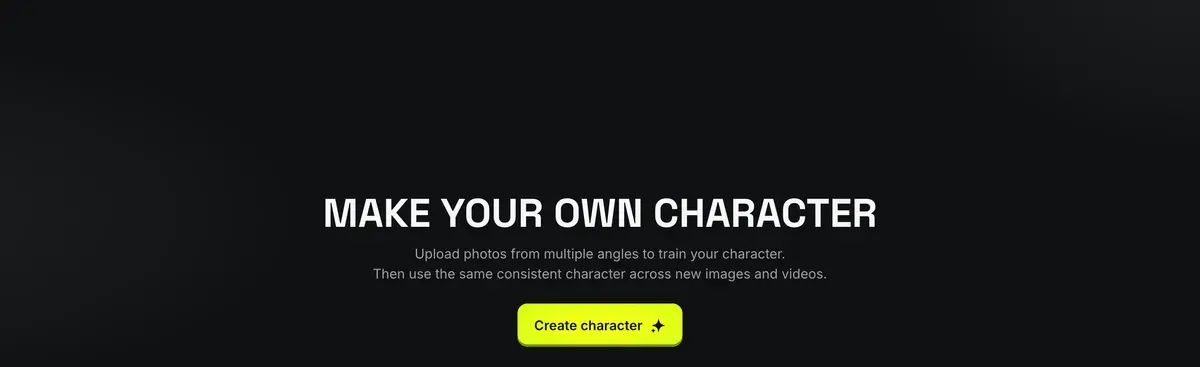
Higgsfield’s character page, where training a Soul ID starts with Create character Higgsfield Make your own character page, captured -
Name the character once training ends, after a few minutes.
-
When you generate, select the trained character in the Character tab.
-
Check a close-up first. Then move on to wide shots and other outfits.

The full studio walkthrough: Higgsfield AI Influencer Studio. To give the same face a phone-shot UGC look, follow the guide to AI UGC characters on Higgsfield.
How to keep the face in video
Start every clip from a locked still. Image-to-video animates the picture you give it, so the face in frame one is the face you approved.
Faces still drift as a clip runs. Four of 37 Kling user sources report a face changing within a clip made from one image. An outfit change loosens it further (Reddit, Reddit).
Video tools answer that with references of their own. Kling’s Elements 3.0 takes “up to four reference images” or “a video clip between 3 and 8 seconds long” to lock a character in Kling VIDEO 3.0 Omni (Kling blog, 26 June 2026). Four of 37 user sources say elements and references keep one face through several cuts (Reddit, YouTube).

On Higgsfield, a trained Soul ID appears in Elements automatically, and you call it in Seedance with @ Elements under the prompt. In Cinema Studio you reference a character with @ so “the same persona holds its role across shots” (launch post).
The consistency problem
Higgsfield Popcorn handles it for storyboard and image sequences through frame-by-frame visual memory. Soul ID extends that to video across multiple models through trained identity.
Consistent AI character checklist
- One master face, approved at full size.
- A fixed reference set or a trained identity, never a fresh prompt alone.
- The same references or the same character name in every request.
- A close-up checked before any wide shot.
- Video started from the locked still, with the character’s element attached where the tool has one.
- Face swap kept for single rescues.
Everything else about building one: the AI influencer hub.
Questions about consistent AI characters
Is there a free consistent AI character generator?
Yes, with limits. Nano Banana 2 in the Gemini app needs a signed-in Google account, and you must be 18 or over to edit. OpenArt gives new accounts 40 free credits.
How many photos do I need?
One to ten for reference-image tools, and most take four or five. Higgsfield’s Soul ID needs 20 to 80, and an OpenArt custom Character model takes 4 to 100.
Can I keep a consistent AI character in any pose?
Yes. Reference images carry the face, and the prompt sets the pose. Ideogram describes its feature as your character “in any pose, outfit, or scene”.
Next on Higgsfield: Soul ID character consistency
Sources
- Google AI for Developers: Gemini API image generation, Up to 14 reference images; up to 4 character images on Nano Banana 2.1 and Gemini 3.1 Flash Image, up to 5 on Gemini 3 Pro Image (Nano Banana Pro). Checked
- Gemini Apps Help: Generate and edit images with Gemini Apps, Images in the sidebar; Nano Banana 2 accepts multiple reference images and keeps a person’s look across images; 18 or over to edit. Checked
- Higgsfield help centre: How do I create and use a Soul ID character?, Soul, then Train new character; 20 to 80 photos; a few minutes; Character tab; Elements and Seedance; modified 2 September 2026. Checked
- Higgsfield: Mastering AI Character Consistency in Video and Images: Soul ID, Published 15 June 2026: training takes about 3 to 5 minutes; keeps facial structure, proportions, skin tone and hair. Checked
- Higgsfield: Introducing the New AI Influencer: How It Works and What You Can Create, Published 3 October 2026: one uploaded photo keeps its facial features in the character; characters referenced with @ in Cinema Studio. Checked
- Midjourney: Edit Model for V8, 27 August 2026: up to 4 image references at once, replacing omni-reference, open for testing. Checked
- Ideogram: Character consistency with reference images, Ideogram 4.5 takes one to five reference images; reference-image generations always use credits; the Character API takes one image. Checked
- OpenArt: AI Character Generator, Characters from one image, a prompt or presets, tagged in any model; a custom Character model trains on 4 to 100 images; 40 free credits. Checked
- Kling AI: Kling 3.0 Subject Binding: Lock Character Features Across Shots, 26 June 2026: Elements 3.0 takes up to four reference images or a 3 to 8 second clip, for Kling VIDEO 3.0 Omni. Checked
- Black Forest Labs: FLUX.2 overview, Multi-reference up to 8 images on the API (10 in the playground), 4 on klein. Checked
- Reddit, YouTube and Trustpilot: User reports on Higgsfield, Nano Banana, Midjourney, Ideogram, Kling and FLUX, 251 public sources synthesised across six tools (Higgsfield, Nano Banana, Midjourney, Ideogram, Kling, FLUX); OpenArt is read from its vendor page only. Checked

Alexandre S.
Alexandre S. is a creative ad strategist and copywriter with ten years' experience in digital marketing across multiple channels.
Related pages
-
 Guide What is Higgsfield Soul 2.0?
What Higgsfield Soul 2.0 and Soul ID do, how to train a consistent character, what it costs, and the likeness rules that apply in ads. Checked 16 October 2026.
-
 Guide AI influencer prompts
A five-part formula and 17 copy-ready prompts for one AI influencer: the base face, 12 photo-set shots and 4 video clips, with per-tool notes.
-
 Guide Make an AI influencer with Nano Banana
Where to run Nano Banana Pro for an AI influencer, the six steps from first face to photo set, 10 prompts that use reference images, and the watermark rules.
-
 Best list Best AI influencer generators
Eight AI influencer generators compared by job, from building a face to keeping it the same in video, with entry prices, free-plan limits and commercial terms.


