URL to video AI tools
Verdict on URL to video AI tools
Paste a product page link and JoggAI makes a 30-second video for $0.12 to $0.24 on Starter, Creatify for $2.73 on Standard, if every credit is used. Six other tools publish no 30-second cost. Last checked
For the lowest cost for a 30-second ad from a link:  JoggAI
Its Starter plan works out at the least of the tools that state a 30-second cost. Free credits are one-time.
For one plan with a script editor and an ad launcher for Meta, TikTok and AppLovin:  Creatify
Standard bills 10 credits for 30 seconds and lists Ad Launcher. The free plan watermarks exports.
For a draft you rework on a canvas:  Topview
Reads Amazon, Shopify and landing page links. No free plan is listed.
For a Shopify store’s products in one batch:  Zeely
Its page says up to 10 products at once. No credit cost per ad is published.
| Tool | Monthly from (USD) | Cost per output at list price if every credit is used | Paid ads on the free plan | Paid ads on the cheapest paid plan | Official site |
|---|---|---|---|---|---|
| CreateUGC | $26.90 | $2.69per video, length not stated | No free plan | Unclear (Launch) | Visit CreateUGC |
 Creatify | $15 | $2.73per 30-second video | Unclear | Allowed with conditions (Standard) | Visit Creatify |
 JoggAI | $29 | $0.12 to $0.24per 30-second video, pro rata | Allowed with conditions | Allowed with conditions (Starter) | Visit JoggAI |
 MakeUGC | $59 | $11.80per talking-actor video | No free plan | Allowed with conditions (Starter) | Visit MakeUGC |
 Pippit | Unverified | Not computed | Allowed with conditions | Allowed with conditions (every paid plan) | Visit Pippit |
 Tagshop AI | $29 | $5.80per video, length not stated | No free plan | Allowed with conditions (Starter) | Visit Tagshop AI |
 Topview | $36 | Not computed | No free plan | Allowed with conditions (Plus) | Visit Topview |
 Zeely | $29.95 | Not computed | No free plan | Allowed with conditions (Starter) | Visit Zeely |
Scroll sideways for all 6 columns
Prices checked 6 Nov 2026. Pippit’s price is unverified.
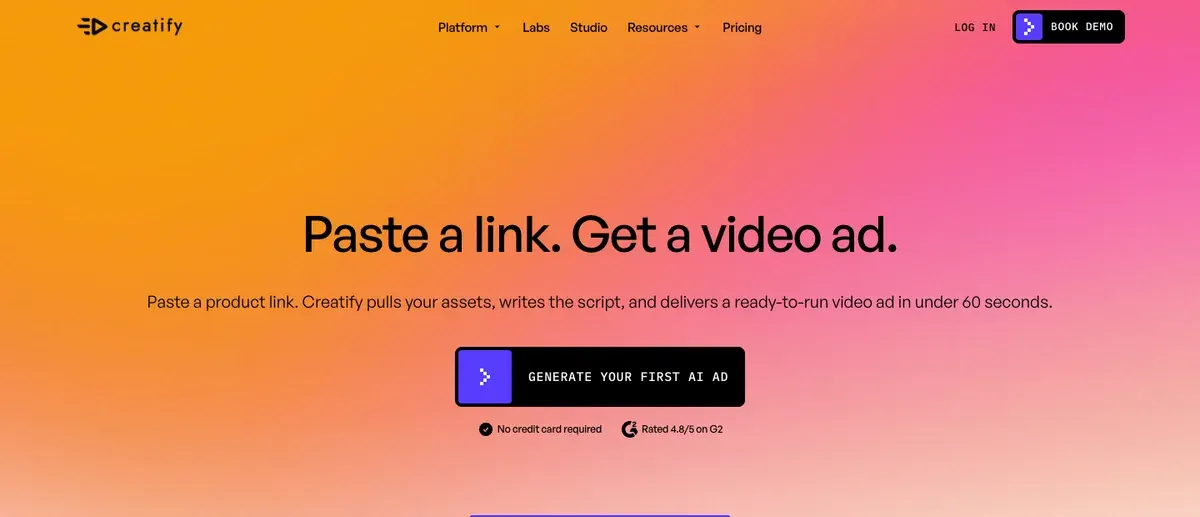

What a link to video tool does with your product page
A link to video tool (also sold as URL to video) reads a web page and builds a short video from it. You paste the address of your product page. The tool copies the photos, the product name and the description from that page. It writes a spoken script, adds a voice or an AI presenter, and gives you a draft ad.
It is a shortcut for the first draft. You still choose the presenter, check the script and cut what is wrong.
Every tool here starts from a link. They differ in which stores they read, what they take from the page, and what one finished ad costs.
Which stores and pages each tool reads
| Tool | Pages it reads | What it takes from the page | Length stated |
|---|---|---|---|
| Creatify | “Most product links”, by its help centre; Amazon, Shopify and App Store links named | Text, images and videos from the page | Videos up to 2 minutes on Standard |
| Topview | Amazon, Shopify, eBay, Etsy, AliExpress, TikTok Shop and landing pages | Headline, benefits, product details and visuals, then a script, scenes and captions | None on the page |
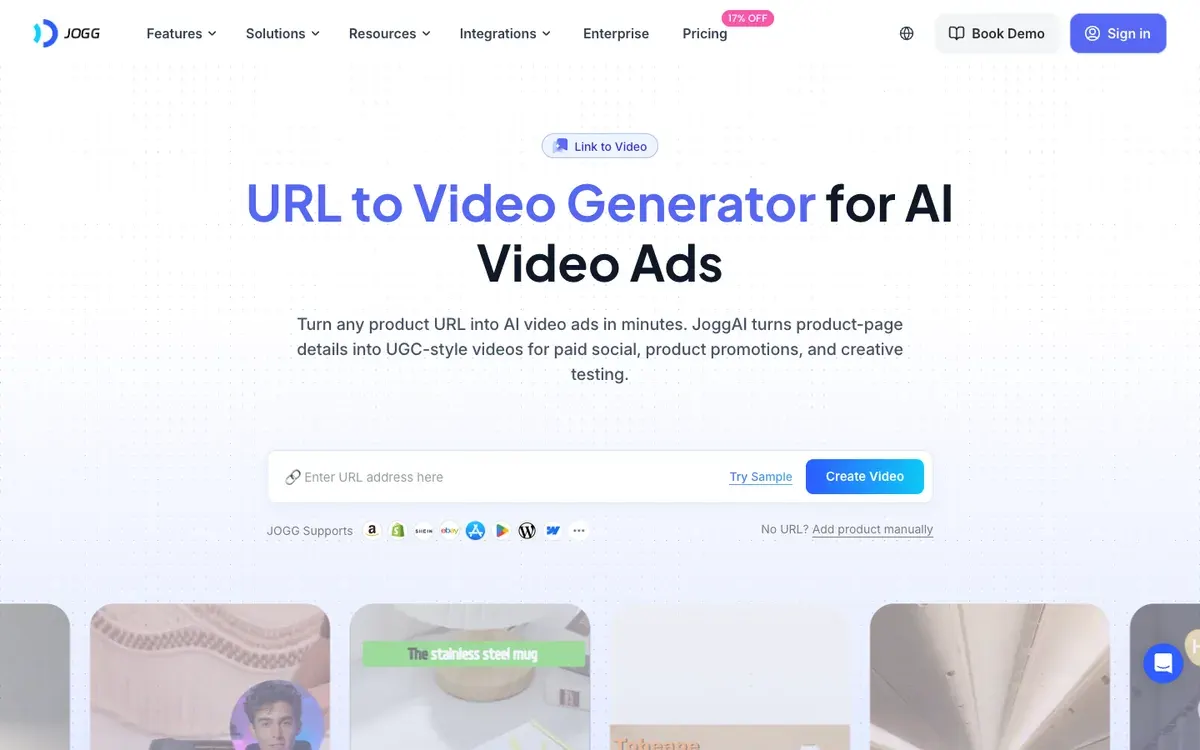
| JoggAI | Amazon, Shopify, WooCommerce and Etsy named; app store icons on the page | Product details that become a script, plus media you pick | Maximum video duration: 3 minutes on the free plan, 30 minutes on Starter |
| Zeely | Any product page, store or landing page | Images, price, title and description | None on the page |
| CreateUGC | Shopify, Amazon or any product page | The link plus images you upload | 15, 30 or 60 seconds on Scale |
| MakeUGC | A product URL as one way to start | A script written from the product page | Scripts under 60 to 90 seconds |
| Tagshop | Shopify, Amazon, WooCommerce and WordPress named | Images, video and description, and reviews when the page has them | None on the page |
| Pippit | Any link, taken as a reference in its Video Agent | What you add in the prompt | You set the duration |
Scroll sideways for all 4 columns
Creatify’s help centre names App Store links among the pages it reads. JoggAI’s page offers “Add product manually” when you have no link, and Creatify’s help centre says the same for uploaded assets.
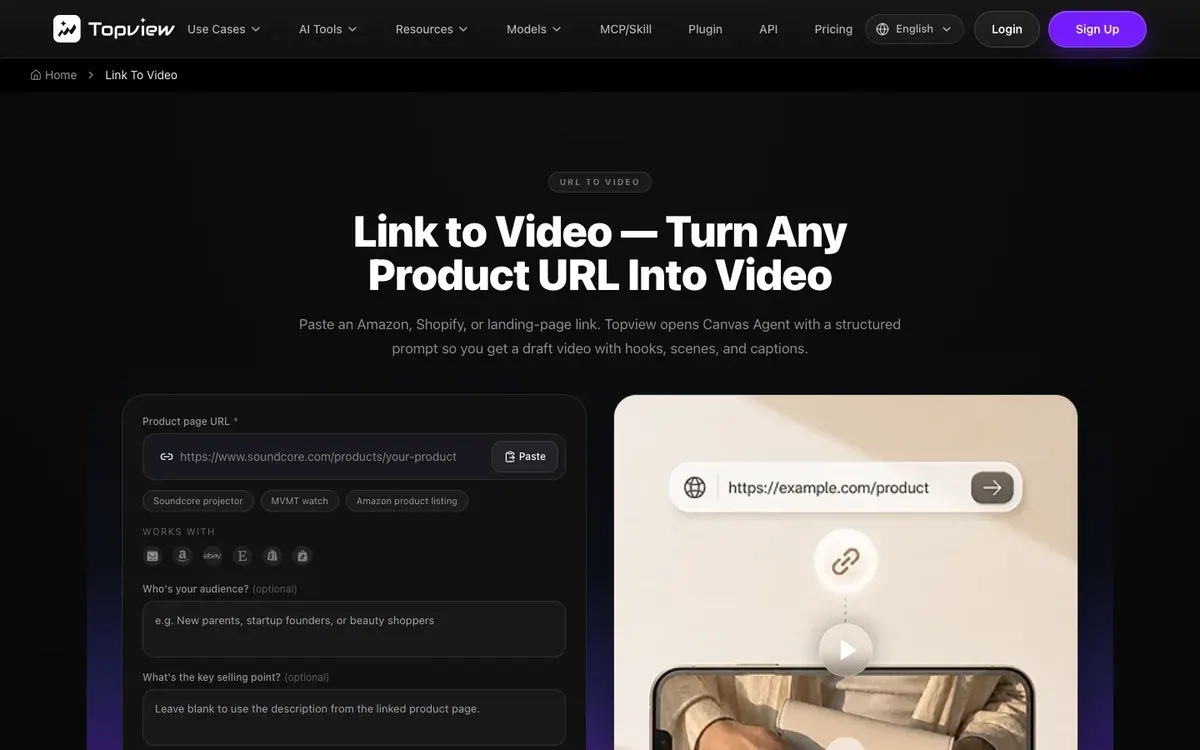
Topview’s page frames its output as a first draft: a link opens its Canvas editor with a structured brief, and the page says “Public pages with clear content typically work best.”
What one 30-second ad costs from a link
Tools bill in credits, which are tokens the plan gives you each month. The cost of one ad is the plan price divided by the credits, times the credits the ad uses. Only some vendors publish the credits a video uses, so only some costs can be worked out.
JoggAI lists $29 a month for Starter. Its card states about 100 credits a minute of avatar video, so 30 seconds works out at $0.12 to $0.24, if every credit is used. Its free card states 200 credits for about a minute. JoggAI says both figures are approximations for standard avatar video.
Creatify lists $15 a month for Standard. Avatar video bills 5 credits per 15 seconds, rounded up, so 30 seconds is 10 credits and $2.73. A 16-second video bills as 30. Creatify’s prices were last read on .
The other tools sell by the video or by a credit pool without a length:
- MakeUGC’s API docs charge 100 credits per talking-actor video, which is $11.80 on Starter if every credit is used. Its app pricing page publishes no per-video rate.
- CreateUGC says 100 credits are about 10 videos, which is $2.69 a video on Launch. It states no video length.
- Tagshop lists up to 5 videos on Starter, which is $5.80 a video at best. It states no video length either.
- Topview publishes rates for model clips and none for a link-to-video ad. Zeely publishes no credit cost per ad. Pippit’s prices vary by region and are not quoted here.
The key table prints each tool’s own basis beside its figure.
Free plans, trials and watermarks
A watermark is a logo the tool stamps on the video until you pay. A video with one works as a preview and cannot run as a clean ad.
- Creatify has a free plan with 10 credits a month. Its help centre says videos rendered on the free plan include a watermark, and removal comes with a paid plan.
- JoggAI has a free plan with 200 one-time credits, and lists watermark removal from Starter.
- Pippit has a free plan and lists watermark removal from Starter.
- Topview lists no free plan. Its link page says “Free credits to try”.
- Zeely lists no free plan. It sells paid trials of 2, 4 or 8 weeks.
- CreateUGC offers a 3-day free trial with up to 3 videos. Tagshop offers a sample before a paid plan, and its Starter card lists no watermark.
- MakeUGC lists no free plan. Its Starter, Growth and Pro cards carry a trial that starts at $1.
The free plan’s ad rights matter as much as the watermark. Creatify’s terms say free tier users “have limited rights” without listing them. Topview’s terms bar advertising use for free users. JoggAI’s pricing page states no limit on commercial use for its free plan. The key table’s two right-hand columns show each tool’s state.
What breaks when a tool reads a page
A link is only as good as the page behind it. Three cases go wrong, each documented by a vendor.
The first is a page the tool cannot open. Creatify’s help centre says that “some websites with firewalls may block” its scraper. A page behind a login, or a store that blocks bots, gives the tool nothing to read. Creatify and JoggAI fall back to manual upload or manual product entry.
The second is a thin page. A page with a title, one photo and two lines gives a script with little in it. Topview says pages with clear content work best, and its form takes an optional audience and selling point.
The third is photo rights. The tool copies images from your page into a video you then run as an ad. Creatify’s terms (7.1) bar use that infringes “any intellectual property right” of another person, and Topview’s terms put responsibility for uploaded content on the user. A supplier’s product shots are the usual case: check you may use them in an ad before you paste the link.
Reviews of the link step
Public reviews describe the same step for six of the tools. Each count is the share of that tool’s review sources that say it.
| Tool | Reported finding | Sources |
|---|---|---|
| Creatify | A product link becomes many ad variations in minutes (15 of 61 sources) | G2, Product Hunt |
| JoggAI | A product URL becomes a finished video in minutes (5 of 40 sources) | AppSumo, G2 |
| Zeely | Pasting a link fills in the product, images and brand details (3 of 74 sources) | YouTube, YouTube |
| CreateUGC | Paste a product link, pick an avatar and the ad is ready (4 of 24 sources) | Trustpilot, Trustpilot |
| Tagshop | A product URL becomes a UGC-style ad in minutes (9 of 28 sources) | G2, Trustpilot |
| Pippit | A product link becomes an editable ad in minutes (4 of 35 sources) | YouTube, MakeUseOf |
Scroll sideways for all 3 columns
None of the counted findings above is a failed link, so the failure cases come from the vendors’ own pages.
Left out, and why
Arcads is left out. Its product video page covers actors and photo shoots and mentions no link input.
invideo is left out. Its home page describes an editing agent and a script box, with no link input.
Nextify is left out. Its product video page starts from images and a prompt, and shows no link field.
Questions buyers ask about link to video tools
Do I need a Shopify store to use one?
No. JoggAI, Topview, Tagshop and CreateUGC name Amazon or Shopify among the pages they read, and Zeely and Pippit say any link. A store you build on another platform works when the product page is public, and the manual route covers the rest.
How long does the first draft take?
Each vendor gives its own figure. Creatify and CreateUGC say under 60 seconds, MakeUGC’s page says about 2 minutes per video file, and Zeely says about 7 to 12 minutes. Tagshop says a few seconds to a couple of minutes, depending on page length. These are vendor statements about a draft, before your edits.
Can I use the video as a paid ad straight away?
Not from a free plan on Creatify or Pippit, which watermark it. On paid plans, the rights columns in the key table give each state. Ecommerce video ads covers which ad formats to build from the draft.
Sources
- Creatify: URL to Video, Creatify, paste a product link; pulls assets, writes a script; claims a finished ad in under 60 seconds. Checked
- Creatify: Supported Links, Creatify help centre (22 April 2025), scrapes text, images and videos from the link; sites behind a firewall can block it. Checked
- Creatify: URL-To-Video, Creatify help centre (20 September 2026), manual upload when there is no link. Checked
- Creatify: Free Plan, Creatify help centre (19 August 2026), 10 credits a month; videos rendered on the free plan carry a watermark. Checked
- Creatify: Creatify Terms (effective 23 September 2024), 7.1. Checked
- Topview: Link to Video, Topview, Amazon, Shopify and landing page links; opens a draft on its Canvas editor. Checked
- Topview: Topview Terms (last updated 9 September 2026). Checked
- JoggAI: URL to Video, JoggAI, Amazon, Shopify, WooCommerce and Etsy named; a product can be added by hand. Checked
- JoggAI: JoggAI pricing. Checked
- Zeely: Link to video generator, Zeely, scrapes images, price, title and description; Shopify stores up to 10 products at once. Checked
- CreateUGC: Paste your product link, CreateUGC, Shopify, Amazon or any product page; 3-day free trial. Checked
- MakeUGC: Product overview, MakeUGC, input requirements and render speed. Checked
- Tagshop: URL to Video, Tagshop, Shopify, Amazon, WooCommerce and WordPress named; an Extract URL button. Checked
- Pippit: AI video generator, Pippit, Video Agent takes any link, file or media as a reference. Checked

Alexandre S.
Alexandre S. is a creative ad strategist and copywriter with ten years' experience in digital marketing across multiple channels.
Related pages
-
 Best list AI ads for Shopify stores
Shopify’s Sidekick makes images at no extra cost; its terms say nothing on using them in ads. Tools that make ads from a store, by job. Checked 2 October 2026.
-
 Guide AI product video from image: turning one product photo into a video ad
Amazon’s ad console animates a product photo at no listed fee, for Amazon ads only; paid models bill by the second. Cost per clip and terms, checked 2 Oct 2026
-
 Best list Free AI video generators for ads
Of 15 AI video tools with a free plan, 1 has terms that allow ads outright, and its free clips carry a watermark. Free plans checked 2 October 2026.
-
 Guide AI UGC price per ad, tool by tool
At list price, with plan credits used in full, a 30-second AI UGC video costs $0.10 (HeyGen Avatar III) to $4.00 across seven tools. Checked 24 September 2026.


