Ecommerce video ads
An ecommerce video ad is a short video that sells one product from your online shop. It runs on Facebook, Instagram, TikTok or YouTube, and the viewer taps through to your product page.
Five kinds do five different jobs: a product demo, a talking-head video, a before and after, a founder story and an offer shown to past visitors. Two of the five need footage only you can film: the before and after, and the founder story.
A filmed creator (a person paid to shoot your ad) costs from $50 up to $3,000 or more, by the marketplace Insense’s rate guide. UGC creator rates lists the fees on top. An AI tool makes a 30-second video from your product link for $0.12 to $0.24 on JoggAI Starter or $2.73 on Creatify Standard, if every credit is used.

The five formats and what each needs
| Format | The job | What you need | Where it runs |
|---|---|---|---|
| Product demo | Shows the product working | The product in hand, one clear problem it solves | Feed, Reels, Stories and TikTok In-Feed |
| Talking head | A person tells you why they use it | A script and a presenter, real or AI | The same vertical placements |
| Before and after | Shows a result the camera can see | Two real captures of the same thing | The same vertical placements |
| Founder story | Says why the shop exists | The founder’s own face and voice | Feed and Reels |
| Offer to past visitors | Brings back people who viewed a product | A tracking tag on the shop and a product list | Catalogue and retargeting placements |
Scroll sideways for all 4 columns
Every format is cut for vertical placements first. TikTok ad specs and Meta ad specs give the ratio, length and safe zone for each placement.
Product demo
A demo answers “does it work?”. A hand picks the product up, uses it and shows the result in the first seconds. You need the real product and a clear angle, and a phone is enough. AI tools make a version where an avatar holds the product from your photo: MakeUGC and Tagshop list product-in-hand video, and CreateUGC lists it from its Scale plan.
Talking head
A person speaks to the camera in a casual voice, as a customer would. Ad people call this UGC, short for user-generated content. UGC video examples shows the common scripts. An AI tool can make this format: an avatar reads a script written from your product page. Creatify lists 300 AI actors on Standard.
Before and after
This format shows two states of the same thing, such as a stained shirt and a clean one. It needs two honest captures made in the same light. An AI-made “after” stops being a result, so the ad proves nothing.
Founder story
The founder tells why they made the product. The format works because the face is the founder’s, so an AI presenter standing in for a founder undoes it. JoggAI’s terms add a rule on this: you may not represent that AI output “is entirely human generated”, which a founder story played by an avatar would do. AI UGC and the law covers the presenter rules.
Offer to past visitors
This ad goes to people who already looked at a product, with the product they viewed and an offer. It needs the shop’s tracking tag. Meta’s Pixel guide says three events must be tracked first: a product view, an add to cart and a purchase (ViewContent, AddToCart and Purchase). Shoppable video ads covers the product list and the placements.
What one 30-second ad costs
Three routes make a 30-second ad: a filmed creator, an editor who cuts footage you shot, and an AI tool. Creator ranges come from Insense’s rate guide, editor rates from Upwork and AI figures from each tool’s price page. None includes ad spend.
| Route | Cost | What the figure covers |
|---|---|---|
| Beginner creator | $50 to $400 a video | Filming and a light edit. Paid-ad usage is priced separately |
| Mid-level creator | $150 to $1,000 a video | The same scope with more production |
| Editor, entry tier | $10 an hour | Cutting footage you supply. Hours per ad are not published |
| Editor, mid tier | $40 an hour | The same scope |
| Editor, senior tier | $100 an hour | The same scope |
| JoggAI Starter | $0.12 to $0.24 | A 30-second avatar video, if every credit is used |
| Creatify Standard | $2.73 | A 30-second avatar video, if every credit is used |
| MakeUGC Starter | $11.80 | One talking-actor video through its API, script up to 1,500 characters, length not stated, if every credit is used |
Scroll sideways for all 3 columns
Insense’s guide gives its creator ranges per video, with no sample or method stated and no length. Upwork’s page publishes hourly rates from active contracts, and the median for each tier is the figure above. An editor’s bill is the rate times the hours one ad takes, and no source publishes the hours.
The AI rows are the plan price divided by what the plan gives. They count credits spent on one render, so a version you throw away costs again. The AI UGC price per ad page works the same sum for more tools and adds the rounding rules.
A filmed ad has two costs the AI rows do not: shipping the product to the creator, and the days it takes. An AI ad has one the filmed ad does not. The avatar is not a real customer, and platforms label AI content: see TikTok AI labels and Meta AI disclosure.
Making one from a product link
The shortest route has five steps. It needs a product page with clear photos and a description.
- Choose the product page. A page with several photos and a plain description gives the tool more to work from.
- Paste the link into a link to video tool, such as Creatify’s URL to Video page. URL to video AI tools compares eight of them on the stores they read and what they cost.
- Choose a presenter and read the script against your page. Fix any price, claim or size the tool got wrong.
- Make three versions with different openings, so you can see which one holds a viewer’s attention.
- Export vertical and check the safe zone in the spec guide before you upload.
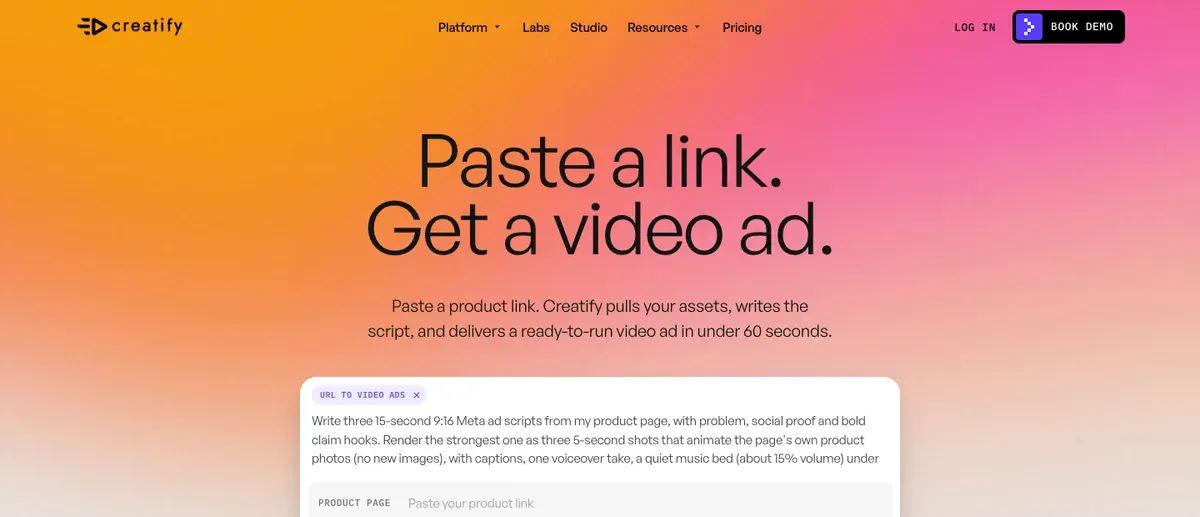
Creatify’s free plan has 10 credits a month. Its help centre says a video bills 5 credits per 15 seconds, so 10 credits make up to two 15-second videos. Those videos carry a watermark. A watermarked draft shows what the tool does with your page, and a paid plan makes the version you run.
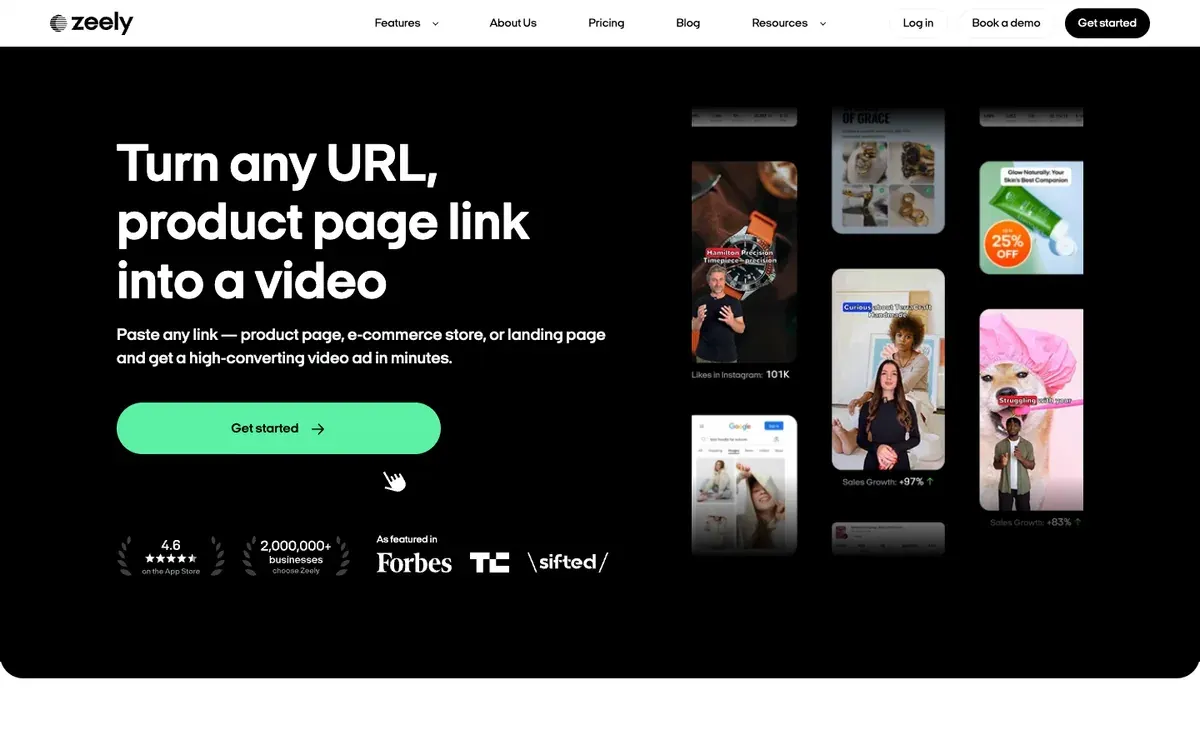
For several products, Zeely’s page says a Shopify store can upload up to 10 in one go.
For real shop ads to study before you make your own, search a brand in the Meta Ad Library. It shows the ads a page is running, so you see which formats a shop keeps.
Questions shop owners ask about video ads
Which ecommerce video ad should I make first?
Start with the product demo or the talking head. Both need only a product and a script, and both can be made by an AI tool from a product link. The founder story and the before and after need real footage you hold.
Do I need a creator to make a video ad?
No. A creator costs more per video and takes longer, but a creator’s real face is the point of some formats. An AI avatar is cheaper per video and reads any script you write.
How long should a video ad be?
No platform sets one length. TikTok’s In-Feed page recommends none and allows up to 10 minutes. This page prices 30 seconds so the AI routes compare on one length.
Sources
- Insense: UGC Creator Rates Explained (14 September 2026), per video ranges by creator tier; no sample or method stated. Checked
- Upwork: Video Editor Hourly Rates, hourly tiers with a median rate for each, from active contracts; no price per finished video. Checked
- Creatify: URL to Video, Creatify. Checked
- Creatify: Free Plan, Creatify help centre (19 August 2026), 10 credits a month; 5 credits per 15 seconds of video; free plan videos carry a watermark. Checked
- Zeely: Link to video generator, Zeely, Shopify stores can upload up to 10 products at once. Checked
- TikTok: In-Feed Ads, TikTok Business Help Center, vertical recommended; length up to 10 minutes. Checked
- JoggAI: JoggAI Terms of Use, output may not be presented as entirely human generated. Checked
- JoggAI: JoggAI pricing. Checked
- Meta: Meta Pixel guide, Advantage+ catalog ads, ViewContent, AddToCart and Purchase events must be tracked first. Checked

Alexandre S.
Alexandre S. is a creative ad strategist and copywriter with ten years' experience in digital marketing across multiple channels.
Related pages
-
 Guide Are AI UGC ads legal? FTC rules and likeness rights
The FTC’s fake-testimonial rule reaches an AI actor who claims to have used the product. That rule and US state and EU laws, quoted with dates.
-
 Guide A creative testing framework for Meta ads
AI makes ad variants cheap, but each still needs spend before its result means anything. A Meta creative testing framework with the budget maths shown.
-
 Guide How to use the Meta Ad Library
What the Meta Ad Library shows for commercial ads, what its API returns and blocks, and what Foreplay and other ad spy tools add. Checked 15 Oct 2026.
-
 Best list Free AI video generators for ads
Of 15 AI video tools with a free plan, 1 has terms that allow ads outright, and its free clips carry a watermark. Free plans checked 2 October 2026.


