
Canva vs CapCut
Verdict: Canva (Canva AI and Canva Grow) or CapCut
Canva, for static ads and light video; CapCut, for video ads cut on a timeline (read ).
Canva’s AI terms say “you own your Output” on every plan, while CapCut’s terms state no ownership rule for AI output.
Canva bars library images of people from supplement and healthcare ads, CapCut all its materials, and CapCut’s Commercial Sounds play on TikTok and CapCut only.
 Canva (Canva AI and Canva Grow)
- Best for
- Teams that already design in Canva and want AI generation, brand kits and bulk resizing in the same place as layout and final text.
- Not for
- Anyone who needs a fixed, published AI generation quota, or who wants to own edits of Canva library photos (those stay licensed content).
CapCut
- Best for
- Editing your own footage into short social videos and TikTok ads on a free or cheap plan, with auto captions.
- Not for
- Ads built from CapCut templates or stock unless every asset is marked commercial use. Meta or YouTube ads with CapCut music, since Commercial Sounds cover CapCut and TikTok only.
| Canva | CapCut | |
|---|---|---|
| Where they differ | ||
| Monthly from (USD) | Unverified | $9.99 |
| Built for | Designs: posts, banners, decks, with video added | Video: a timeline editor with design tools added |
| Video timeline | Multi-track for designs made since October 2025 | A timeline editor on web, desktop and phone |
| Generated clips | Veo 3: one 16:9 clip of up to 8 seconds a prompt (launch post) | Seedance 2.0, 2.0 Mini and 2.5, Sora 2, Veo 3.1 |
| Library assets in ads | Allowed; images of people barred in the section 9 categories | Only assets marked “commercial use” |
| Ownership of AI output | Yours, except edits of library content | No ownership rule in the terms |
| Work for a client | One client, under a written agreement (4A) | Not addressed; the licence is non-transferable |
| The same on both | ||
| Free plan | Both: Yes | |

What is each one built for?
Canva is a design tool: you lay out a post, a banner or a deck on a canvas, then add video to it. CapCut is a video editor: you cut clips on a timeline, then add text and music.
That split decides most ad jobs. A static ad for Meta, a carousel card or a banner set in five sizes starts on a canvas. A 20-second TikTok hook cut from phone footage starts on a timeline.
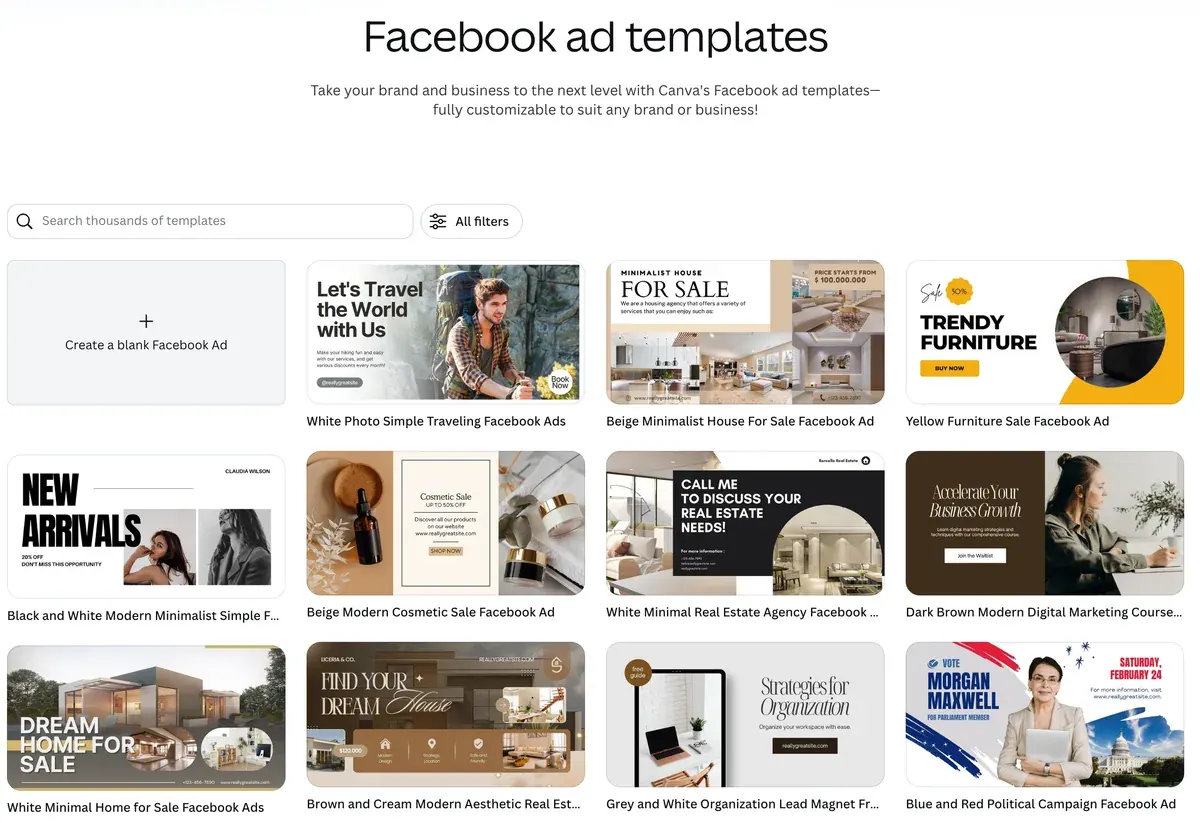
Canva runs a page aimed at CapCut users titled “Free CapCut Alternative: Own your content with Canva’s Video Maker”.
How far does each go with video?
CapCut goes further. Canva added a multi-track timeline, and its generated clips stop at 8 seconds.
Canva’s help article on video describes layers of video, audio and graphics on separate tracks. Video designs made before October 2025 keep the older page-based layout and are not converted. Canva’s newsroom post launches Create a Video Clip, built on Google’s Veo 3. The post gives one 16:9 clip of up to eight seconds a prompt, with sound.

A 16:9 clip is landscape. TikTok, Reels and Shorts run 9:16, so a Canva clip for those placements is cropped or framed inside a vertical design.
CapCut runs the same project on web, Windows, macOS, iOS and Android.
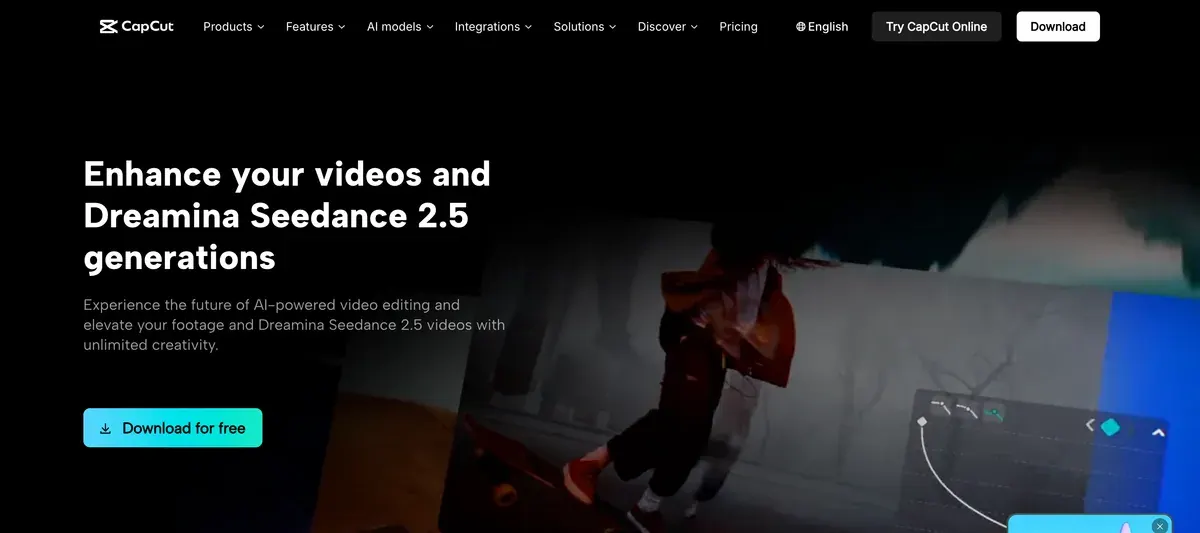
Its AI video generator page lists Dreamina Seedance 2.0, 2.0 Mini and 2.5, Sora 2 and Veo 3.1.
On the web it builds a draft from a script through “AI video maker” and then “Instant AI video”, with your choice of aspect ratio. On paid plans, Seedance 2.0 clips in CapCut run “up to 15 seconds long” in 6 aspect ratios (CapCut newsroom, 10 April 2026).
Step by step for a product ad: CapCut AI video generator.
Which templates and stock can you put in a paid ad?
Canva lets its library run in ads, with images of people barred in a list of categories. CapCut lets only assets marked “commercial use” run, and one unmarked asset turns the whole video into personal use.
CapCut’s Materials License Agreement (22 January 2026) names its library: “video clips, pictures, stickers, text templates”, fonts, effects and more. Section 2 lets assets “with specific marks” run as ads. The same section says such content “must not be used to endorse authenticity, legality, quality or other aspects of the products or services”.
CapCut Materials License Agreement, section 2
Dual Use Materials only in digital form, as promotional, marketing or advertising materials for goods or services on e-commerce platforms, provided that such content must not be used to endorse authenticity, legality, quality or other aspects of the products or services; and as promotional, marketing or advertising materials for distribution via other online media.
Mixed content if the content you create on the Platform incorporates both Dual Use Material and Non-commercial Use Material, you can only use such content for the personal and non-commercial use, but not for any commercial use or purpose.
Canva’s Content License Agreement (archived copy of 21 September 2026) bars library images of people in some ads by category, in section 9. Tobacco, adult venues, escort and dating services are on that list. Political endorsements are too.
The two lists overlap on health products. Canva’s section 9 bars library images of people in ads for “pharmaceutical or healthcare, herbal or medical products”, dietary supplements included. CapCut’s section 4 bars all its materials and music in ads for supplements, healthcare and pharmaceutical products. A supplement brand needs its own models on Canva and its own footage and music on CapCut.
| Question | Canva | CapCut |
|---|---|---|
| Which library assets may run? | All, outside the section 9 categories | Only those marked “commercial use” |
| Health and supplement ads | Barred for library images of people | Barred for materials and music |
| Ads for a client | One client, written agreement (4A) | Not addressed; licence non-transferable |
| Health claims | Bars implying a library model has an ailment (9) | Commercial materials may not endorse quality (2) |
Scroll sideways for all 3 columns
Canva’s 4A asks for “a written agreement with your client” that limits the design to that client’s use. CapCut’s licence “is non-transferable” and is granted per exported video (section 1), and neither CapCut document mentions client work.
Who owns the AI output, and who can train on it?
Canva’s AI terms give you the output in writing. CapCut’s terms are silent on AI output and grant CapCut a wide licence to what you upload.
Canva’s AI Product Terms (effective 26 June 2026) say “you own your Output, except for any Output that modifies or incorporates Licensed Content”. An AI edit of a Canva library photo stays under the library licence.
CapCut’s terms (15 April 2026) say “We don’t own your User Content”. The same section 10 grants CapCut a perpetual, worldwide, sub-licensable licence to that content, and to your name and likeness, sponsored content included. That matters for a brand whose founder appears in its ads. Clips from third-party models follow those providers’ terms.
On training, Canva’s Terms of Use (4.a) say your Privacy Settings decide whether your content “can improve AI-powered features”. The terms do not state the default. CapCut’s licence covers “operating, developing and providing the Services” and neither names nor rules out training.
Clause by clause: Canva and CapCut in the AI commercial use matrix.
What does each cost?
Canva’s pricing page sets prices by region, so this page prints no US price for Pro or Business. CapCut’s US prices come from an archived copy of its US page.
CapCut’s US page, in an archived copy of 8 November 2026, lists Pro at $19.99 a month with 1,200 AI credits. Ultra costs $79 a month with 8,645 credits. Teams starts at $12.49 a seat for 2 seats. CapCut prices were checked on .
CapCut’s free plan exports your own footage with no watermark, by its help article (18 March 2026). A watermark comes only from a template outro or a branded stock asset you leave in.
Canva’s AI Product Terms call AI limits “operational controls and not fixed entitlements” and sell more as an AI Top-Up Add-On. Every Canva tier: the price tracker. CapCut’s plans in full: CapCut pricing.
Which to pick for static ads, and which for video ads
Static ads go to Canva and video ads to CapCut. Client work and health products change the call.

| Ad job | Pick | Why |
|---|---|---|
| Static ads and banner sets | Canva | Canvas layout and ad templates by format |
| A TikTok ad cut from your footage | CapCut | Timeline on phone and desktop, Commercial Sounds for TikTok |
| Ads made for a client | Canva | Section 4A sets a route; CapCut’s documents set none |
| A supplement or healthcare ad | Either, with your own assets | Canva bars library images of people; CapCut bars all its materials |
Scroll sideways for all 3 columns
One more limit decides a CapCut ad’s music. Its Commercial Sounds may be shared “within CapCut, TikTok and TikTok for Business” (section 3), so the Meta cut of the same ad needs a track licensed elsewhere.
CapCut Materials License Agreement, music
Selecting Sounds Sounds are made available to individual users to include in their video content, so long as the video content is only for personal entertainment and non-commercial purposes. You shouldn’t use a Sound for any commercial purpose–including associating the music with, or promoting, a brand or business–unless you have obtained the necessary rights to use the music in that manner.
Selecting Commercial Sounds Commercial Users may show or share their video that includes a Commercial Sound within CapCut, TikTok and TikTok for Business (“Permitted Plaforms”). Any uses of Commercial Sounds outside of the Permitted Platforms require you to obtain separate permission and license the necessary rights directly from all necessary rights holders.
AI layouts that need rework on Canva; billing complaints on CapCut
On Canva’s AI tools, 28 public sources from May 2025 to September 2026:
- Designs from the AI generators look generic and need rework (8 of 28 sources: Reddit, Reddit)
- Posts exported from Canva get an AI label on Instagram and Facebook, even after a background removal (4 of 28 sources: Reddit, Reddit)
On CapCut, 64 public sources from 16 September to 15 November 2026:
- Charges after cancelling or a free trial, with refunds refused (10 of 64 sources: Trustpilot, Trustpilot)
- AI features pushed into the app at the expense of plain editing (6 of 64 sources: Trustpilot, App Store)
When Meta adds its AI label: Meta’s AI disclosure rules. More on CapCut: the CapCut profile.
If neither fits
For a product video built from a store link, Pippit is CapCut’s commerce sibling from ByteDance, under the same CapCut terms. For avatar video ads at a published rate, Creatify Standard costs $15 a month. That plan makes a 30-second avatar video for $2.73 if every credit is used (pricing, checked ).
Every CapCut replacement by job: CapCut alternatives. A desktop editor against CapCut: CapCut vs Filmora.
Questions buyers ask about Canva and CapCut
Is Canva better than CapCut for video?
For short video inside a design, Canva. For editing footage on a timeline, CapCut, which also generates longer clips on more models.
Can I use CapCut templates in ads?
Only templates and assets marked “commercial use”, and never to endorse a product’s quality. One unmarked asset makes the whole video personal use.
Do I own what I make with Canva AI?
Yes, under Canva’s AI Product Terms, except output that edits or incorporates Canva library content.
Sources
- Canva, via the Wayback Machine: Canva AI Product Terms (archived copy), effective 26 June 2026, captured 21 September 2026; ownership of output, lawful use, licensed content and usage limits. Checked
- Canva, via the Wayback Machine: Canva Content License Agreement (archived copy of 21 September 2026), section 4A on designs for clients and section 9 on prohibited uses, images of people in ads for tobacco, adult venues, dating, political endorsements and health products. Checked
- Canva, via the Wayback Machine: Canva Terms of Use (archived copy of 23 September 2026), 19 August 2026; section 4.a on Privacy Settings and AI features. Checked
- Canva: Free CapCut Alternative: Own your content with Canva’s Video Maker, Canva’s own page aimed at CapCut users, found in search on 15 November 2026. Checked
- Canva newsroom: Google’s Veo 3 comes to Canva: Introducing Create a Video Clip, a 16:9 clip of up to eight seconds with synchronised audio, one per prompt. Checked
- Canva Help Center: Create and edit videos, the multi-track timeline; video designs made before October 2025 keep the page-based layout. Checked
- Canva: Canva pricing, prices set by region. Checked
- CapCut, via the Wayback Machine: CapCut pricing, US page (archived copy of 8 November 2026), region US, currency USD; Pro, Ultra and Teams prices and monthly AI credits. Checked
- CapCut: CapCut AI video generator, the steps through AI video maker and Instant AI video; the models listed. Checked
- CapCut newsroom: Dreamina Seedance 2.0 in CapCut, 10 April 2026; clips of up to 15 seconds in 6 aspect ratios, paid users, the US from 7 April 2026. Checked
- CapCut: CapCut Materials License Agreement, last updated 22 January 2026; Platform Materials, Dual Use Materials, Commercial Sounds and section 4’s barred product categories. Checked
- CapCut: CapCut Terms of Service, last updated 15 April 2026; section 10 on User Content and third-party AI services. Checked
- CapCut help centre: Is it possible to export videos from CapCut without a watermark?, 18 March 2026; template outros and branded stock assets. Checked
- Reddit, Trustpilot and YouTube: Canva AI user reviews, 28 public sources from May 2025 to September 2026, synthesised on 28 September 2026. Checked
- Trustpilot and the US and UK App Store: CapCut user reviews, 64 public sources from 16 September to 15 November 2026, synthesised on 15 November 2026. Checked
- Creatify: Creatify pricing, Standard plan credits and the avatar video rate. Checked

Alexandre S.
Alexandre S. is a creative ad strategist and copywriter with ten years' experience in digital marketing across multiple channels.
Related pages
-
 Category Best AI video generators for ads
23 AI video generators and model shops compared on cost per clip and ad-use terms, checked 25 September 2026.
-
 Profile CapCut for ads
CapCut edits your own footage into ads for free, but its templates and music carry ad limits. The licence clauses and user reports, read 15 Nov 2026.
-
 Pricing CapCut pricing
CapCut is free; Pro costs $19.99 a month or $179.99 a year in the US with 1,200 AI credits. Standard, Teams, the trial and cancelling, checked 15 Nov 2026.
-
 Alternatives CapCut alternatives
Six CapCut alternatives sorted by ad job, from desktop editing and template ads to AI presenters, with prices and ad licences checked 15 Nov 2026.
-
 Compare AdCreative.ai vs Canva
Canva’s AI terms say you own your output; AdCreative.ai’s grant no ownership outside Enterprise and charge per download. Checked 16 October 2026.
-
 Compare CapCut vs Filmora
CapCut exports your own footage free with no watermark; Filmora stamps free exports. Plans, AI credits and the music rules for ads, read 15 November 2026.


