CapCut AI video generator for product ads
CapCut’s AI video generator is a tool inside the CapCut editor that turns a script into a draft video. You paste the words; it picks scenes, adds an AI voice and captions, then hands the draft to the normal timeline. On the web it sits under “AI video maker”, then “Instant AI video” (CapCut, read 15 November 2026).
It runs on AI credits: on Pro, a 20-second ad made only of generated Seedance 2.0 Mini clips comes to about $1.67.
| AI tool | What it does | What it costs |
|---|---|---|
| Instant AI video (script to video) | Script or topic into a draft with scenes and a voice | Credits (“AI Script-to-Video”) |
| AI avatars | A virtual presenter reads your script, chosen in the Scenes panel | No plan or rate on the avatar guide |
| Text to speech and custom voices | An AI voiceover from typed words | Credits for Premium Voiceovers |
| Auto captions | Captions from the spoken audio | Free, by the caption page |
| Generated clips | New footage on Dreamina Seedance 2.0, 2.0 Mini or 2.5, Sora 2, Veo 3.1 | Credits, on Pro, Ultra and Teams |
Scroll sideways for all 3 columns

Which plan does each AI tool need?
The free plan edits and captions; generated clips and premium voices spend AI credits, which Pro, Ultra and Teams include every month.
CapCut’s credits article (26 March 2026) names “AI Script-to-Video” and “Premium Voiceovers” among the features credits pay for. A credit bought on its own costs one US cent (credits help).
Plan prices come from an archived copy of CapCut’s US pricing page, since the live page shows a local currency. CapCut prices were checked on .
| Plan | Price (USD a month) | AI credits a month | Seedance 2.0 Mini at 720p |
|---|---|---|---|
| Pro | $19.99 | 1,200 | Up to 240 seconds |
| Ultra | $79 | 8,645 | Up to 1,700 seconds |
Scroll sideways for all 4 columns
On Pro, a second of Seedance 2.0 Mini at 720p comes to $0.083, if every credit goes to that model. A 20-second ad made only of generated clips costs $1.67.
The card’s seconds spend the whole monthly allowance on one model and name no clip length. Reruns cost credits too. Generated clips in CapCut run “up to 15 seconds long” (CapCut newsroom), so a 20-second ad is at least two clips.
Every plan, Standard and Teams included: CapCut pricing.
How to make a 15 to 30 second product ad with CapCut AI
Write the script yourself, let the AI video maker draft the scenes, then swap in your own product footage. CapCut’s script guide (12 November 2026) gives the same advice: paste your approved script when accuracy matters.

- Film four to six short clips of your product on a phone, in 9:16. Your own footage is the part of the ad no CapCut licence limits.
- Write a script of 25 to 50 words for 20 seconds. Three seconds holds seven or eight spoken words, and pauses let the product sound carry.
- Open CapCut on the web and choose “AI video maker”, then “Instant AI video”.
- Pick a style, paste your script into the script field, and set the aspect ratio to 9:16. Choose the voiceover and the duration.
- Click “Create”, then check the draft scene by scene against your script.
- Replace the stock scenes that show your product with your own clips. A stock clip only stands in for mood shots.
- To add a presenter, open the same project in the CapCut desktop app on the same account. Choose an avatar and a voice in the Scenes panel.
- Check the auto captions word by word, brand name first.
- Add music last. For TikTok, use a track marked as a Commercial Sound; for Meta or YouTube, use music licensed elsewhere.
- Before export, delete any CapCut outro clip and check each template, sticker and font carries the “commercial use” mark.
- Export at the resolution, format and frame rate your placement asks for.
A sample 20-second script for an insulated water bottle, read by a brand voice over your own footage:
| Seconds | On screen | Voiceover |
|---|---|---|
| 0 to 3 | Your hand drops ice into the bottle at a kitchen counter, morning light | Filled with ice at seven this morning. |
| 3 to 8 | The same bottle on an office desk, evening light; the hand unscrews the lid | It’s six now. Listen. |
| 8 to 14 | Close-up: the bottle tipped over a glass, ice cubes slide out | Still ice. Double steel walls keep it cold all day. |
| 14 to 20 | The bottle beside its box, with your store name as text | Get yours at [your store]. |
Scroll sideways for all 3 columns
The cold claim needs a real timed test: fill the bottle in the morning and film it again in the evening before the ad says “all day”. That footage is yours, which keeps the claim off CapCut’s commercial materials, which may not “endorse authenticity, legality, quality or other aspects” of a product.

Can you run CapCut AI avatars and voices in paid ads?
CapCut’s documents neither allow nor bar them by name. Your own footage and voice are the safe base; avatars, stock voices and generated clips sit in the gaps below.
The Materials License Agreement (22 January 2026) lists its library as including “video clips, pictures, stickers, text templates” and more. It does not name avatars or AI voices. If they count as materials, they need the “commercial use” mark, and a stock avatar praising your product meets the bar on endorsing quality.
CapCut’s avatar guide (10 September 2026) says “Use only a likeness, voice, and source material that you are authorized to use.” The terms (15 April 2026, section 10) put that check on you. They ask for “all necessary rights, licenses, and permissions to provide inputs” to third-party AI features, publicity releases included.
The same terms state no ownership rule for AI output. Features built on outside models follow those providers’ terms.
A stock presenter calling your product their favourite reads as a testimonial. The testimonial rules for AI presenters: AI UGC legal guide. Platform labels: TikTok’s AI label and Meta’s AI disclosure rules.
What is Dreamina, and how does it link to CapCut?
Dreamina is ByteDance’s separate AI image and video site, and its models run inside CapCut under the “Dreamina Seedance” name. Its own terms bar ads.
Dreamina makes images, videos and talking avatars, with free daily credits. Its US terms (22 January 2026) bar using it “to advertise or perform any commercial solicitation” (section 6). Section 7 bars use “for any commercial or unauthorized purposes”.
So the same Seedance model sits under two rulebooks. Made in Dreamina, a clip falls under that ban. Made in CapCut, it falls under CapCut’s terms. Section 10 sends third-party AI features to their providers’ terms and does not say whether Seedance counts as one. Every Seedance route and its ad terms: Seedance.
When Pippit or Creatify does the job better
CapCut starts from your script. Two tools start from your product.
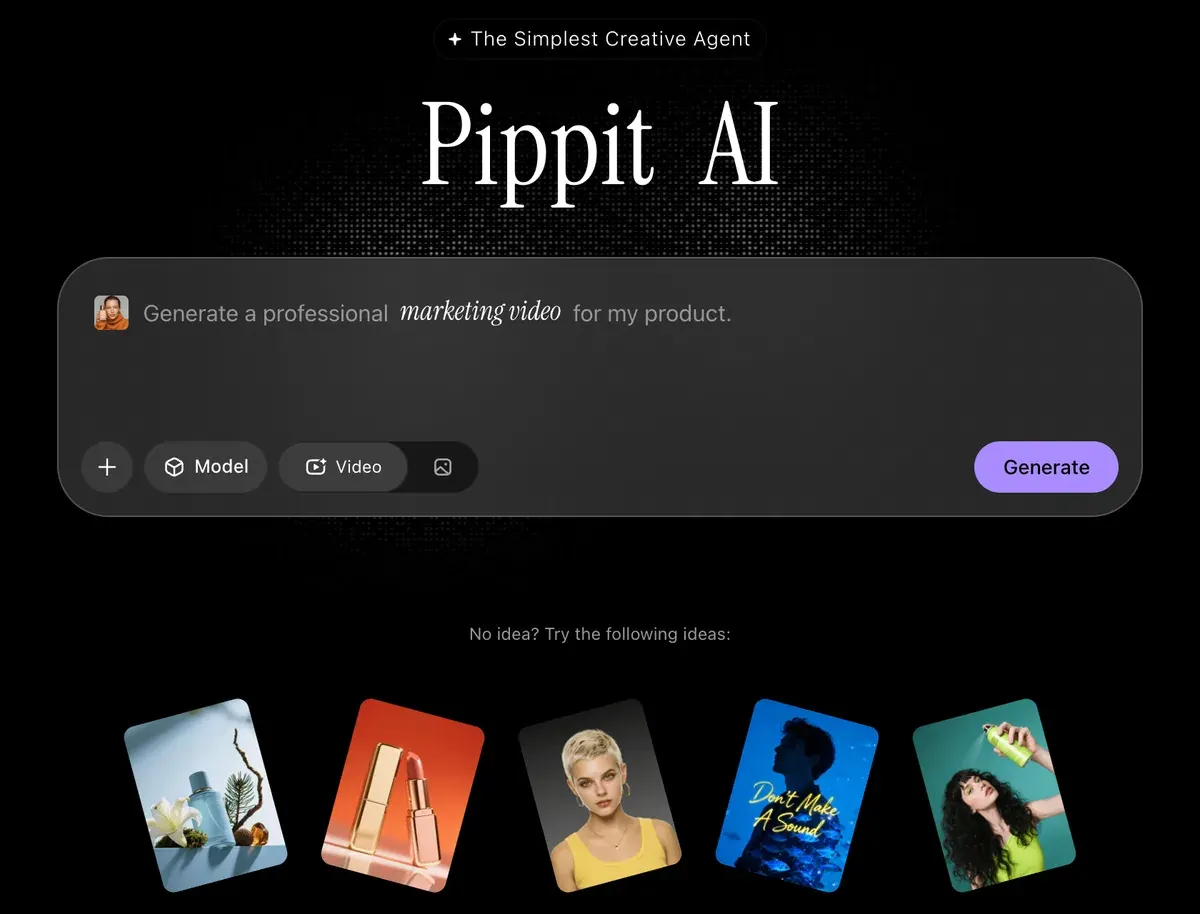
Pippit, from the same ByteDance family, turns a product link into videos with digital avatars and schedules the posts to TikTok. It runs under the same CapCut terms. Its pricing page lists discount offers with no renewal price. Plans and terms: the Pippit profile.
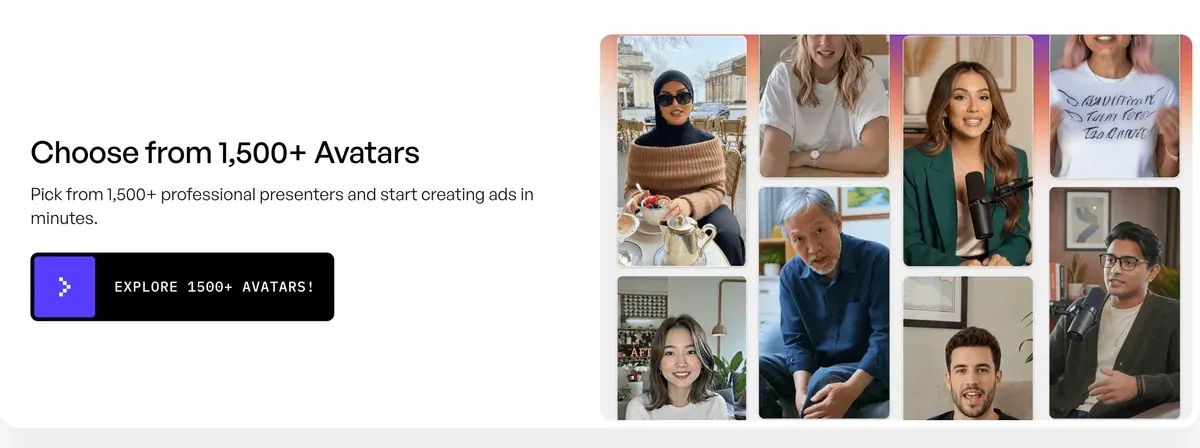
Creatify turns a product link into avatar ads with a published rate. Standard costs $15 a month, and a 30-second avatar video works out at $2.73 if every credit is used (pricing, checked ). That suits a store testing many avatar hooks a week. See Creatify.
More tools by job: CapCut alternatives. CapCut against two editors: CapCut vs Filmora and Canva vs CapCut.
Credits lost on failed results, by CapCut users
In CapCut’s recent reviews, 8 of 64 sources say its AI tools spend credits on output that failed.
On CapCut, 64 public sources from 16 September to 15 November 2026:
- AI tools use up credits on failed or wrong results, and fixes cost more credits (8 of 64 sources: Trustpilot, Trustpilot)
- Tools that were free now sit behind Pro, often found at the save or export step (8 of 64 sources: Trustpilot, App Store)
- Support answers with bots, with no clear route to a person (8 of 64 sources: Trustpilot, Trustpilot)
Draft the ad in short clips and check each before generating the next. The full picture: the CapCut profile.
Questions buyers ask about CapCut’s AI video generator
Is the CapCut AI video generator free?
The editor and auto captions are free. AI Script-to-Video, Premium Voiceovers and generated clips spend credits, which Pro, Ultra and Teams include every month.
Does CapCut have AI avatars?
Yes. On desktop you choose an avatar and a voice in the Scenes panel of the AI video maker, then paste your script.
Is Dreamina part of CapCut?
Dreamina is a separate ByteDance site with its own terms, which bar advertising. Its Seedance models also run inside CapCut.
Sources
- CapCut: CapCut AI video generator, the web steps through AI video maker and Instant AI video, the desktop steps with the Scenes panel, and the video and image models listed. Checked
- CapCut: How to turn a script into a video in CapCut, 12 November 2026; paste your own approved script in the script or topic field. Checked
- CapCut: How to make an AI avatar video in CapCut, 10 September 2026; pick an avatar, enter a script, choose a voice; use only a likeness and voice you are authorised to use. Checked
- CapCut help centre: How can I use the credits?, 26 March 2026; credits pay for AI Script-to-Video, Premium Voiceovers and other AI features. Checked
- CapCut help centre: Credits in CapCut, 25 March 2026; one credit equals one US cent. Checked
- CapCut, via the Wayback Machine: CapCut pricing, US page (archived copy of 8 November 2026), region US, currency USD; Pro and Ultra prices, monthly AI credits and the Seedance 2.0 Mini seconds on each card. Checked
- CapCut newsroom: Dreamina Seedance 2.0 in CapCut, 10 April 2026; clips of up to 15 seconds, paid users first, the US from 7 April 2026. Checked
- CapCut: Auto Caption Generator, captions from speech free of charge, in multiple languages. Checked
- CapCut: CapCut Materials License Agreement, last updated 22 January 2026; Platform Materials, the commercial use mark, Commercial Sounds and the endorsement bar. Checked
- CapCut: CapCut Terms of Service, last updated 15 April 2026; section 10 on third-party AI services and the rights you need for inputs. Checked
- Dreamina: Dreamina, images, videos and talking avatars; free daily credits. Checked
- TikTok USDS Joint Venture LLC (Dreamina): Dreamina Terms of Service, last updated 22 January 2026; section 6 on advertising and section 7 on commercial purposes. Checked
- Trustpilot and the US and UK App Store: CapCut user reviews, 64 public sources from 16 September to 15 November 2026, synthesised on 15 November 2026. Checked
- Creatify: Creatify pricing, Standard plan credits and the avatar video rate. Checked

Alexandre S.
Alexandre S. is a creative ad strategist and copywriter with ten years' experience in digital marketing across multiple channels.
Related pages
-
 Guide TikTok’s AI-generated content label for ads
TikTok rejects or restricts AI-generated ads with no AIGC label or disclaimer. Its rules by case, quoted: Spark Ads, Symphony, C2PA. Checked 24 September 2026.
-
 Guide Meta’s AI disclosure rules for Facebook and Instagram ads
Meta labels some AI-made Facebook and Instagram ads itself. It asks you to disclose AI only in political and social issue ads. Checked 24 September 2026.
-
 Profile Seedance AI for ads
Dreamina’s US terms bar Seedance clips in ads on every plan. Where to use Seedance 2.5, cost per second by route, user reports.
-
 Best list Video editors for UGC ads
UGC video editors for ads: auto captions, cuts, B-roll, free-plan watermarks and which music you may run in a Meta ad. Checked 21 October 2026.


